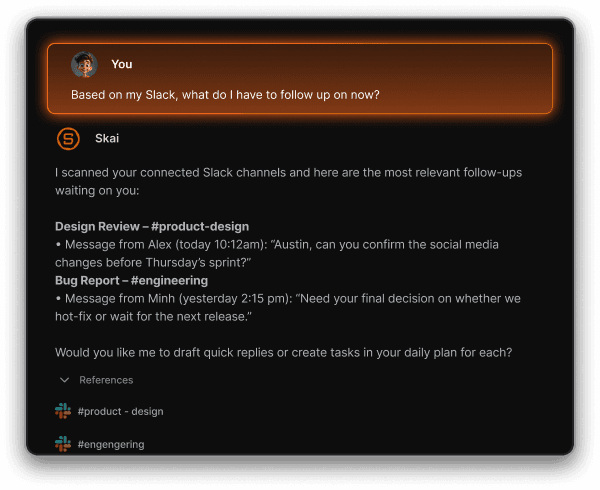
Saner.AI for SlackBring Saner.AI right into Slack. From syncing conversations to organizing notes and tasks, Saner.AI helps you search, review, and take action on Slack messages without breaking your flow.
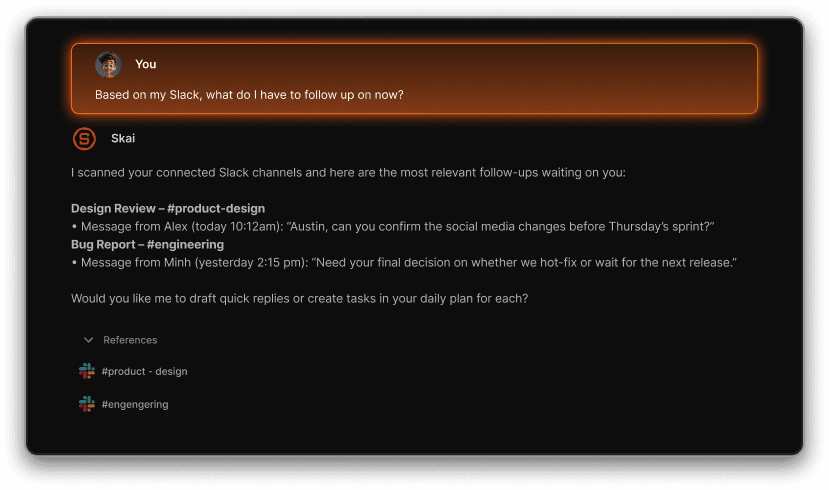
Why connect Saner.AI with Slack?No more scrolling endlessly through old threads. With the Slack Connector, your conversations become clear, organized, and actionable. Channel messages are automatically synced into Saner.AI, so you can ask AI instead of digging through chat history. Everything is grouped neatly by day or by channel, making it easy to review. Most importantly, Saner.AI turns scattered conversations into structured tasks and notes you can act on immediately.
How It Works
1.
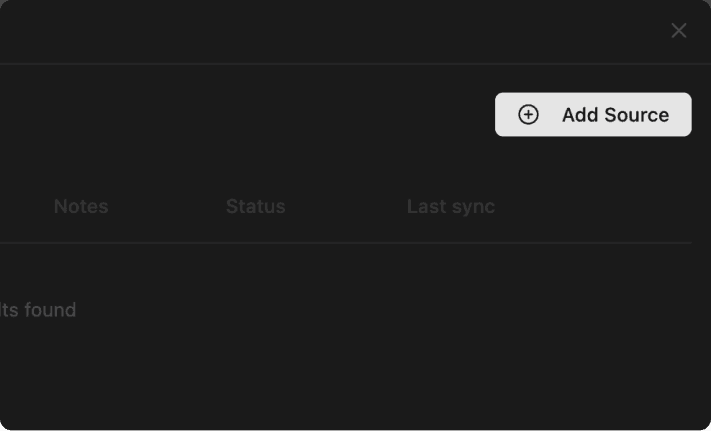
Install Saner.AI for SlackClick Add source to connect your workspace.
2.
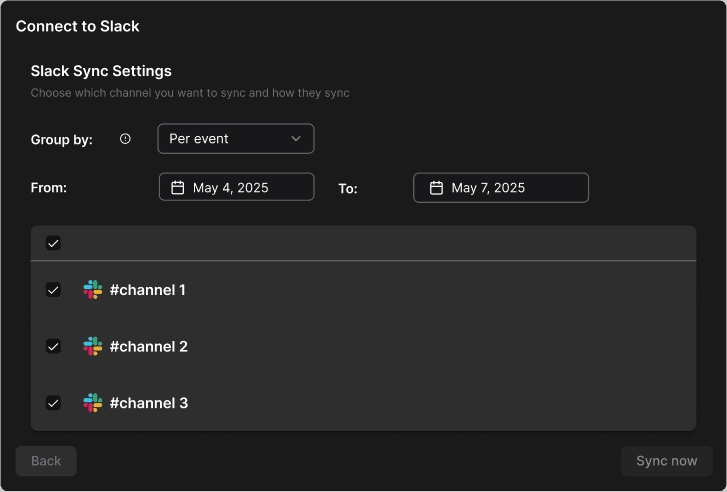
Select your sync settingsChoose channels, set start and end dates, and decide how data should be grouped.
3.
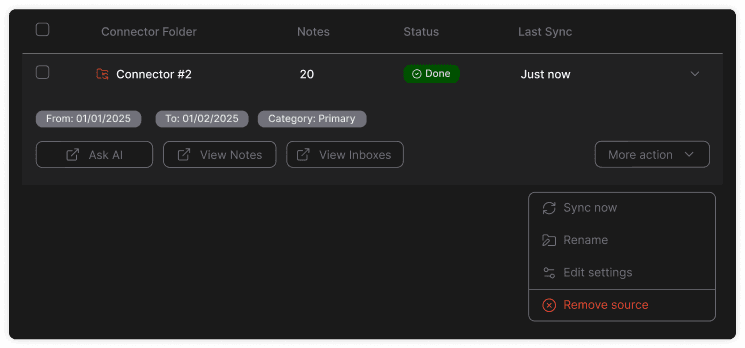
Work smarterEdit anytime: You can always edit the Slack connection settings in the app.
️After you connect
Once installation is completed, you’ll be redirected to Saner.AI where you can:
Confirm Slack is successfully connected
Set up your first data filter
Explore synced content inside Saner.AI
Ask AI to analyze, summarize, or create tasks from your Slack messages
Contact usIf you ever run into trouble syncing or managing Slack connectors, just reach out – our team will be happy to help at support@saner.ai