How to Turn Your Book Notes into Actionable Insights with AI


How to Turn Your Book Notes into Actionable Insights with AI

I sit there, staring hopelessly at my neatly organized folders and notes. I’ve spent so much time creating this system. Yet here I am, head in my hands, mumbling, “Not again. This is such a waste of time. Why isn’t this working?”
You read a book packed with amazing strategies, but when you need them the most, they slip through your fingers. Even the few you manage to remember find it hard to apply to your life or work.
For years, I tried to be smart about it. First, I’d read the book summaries to see if they resonated with me. If they did, I’d dive in and read the full book. While reading, I’d highlight key sections and take notes in Google Docs, carefully organizing everything into categories, headings, and folders. I was sure that this system would be my personal treasure chest, filled with wisdom I could easily tap into later.
But here I was, again, scrolling endlessly through hundreds of pages, searching for that one insight I needed right now. Something about persuasion techniques from a book I’d read long ago. “It should be right here,” I thought. “Wait, maybe it’s in that folder.” Thirty minutes later, I was red-faced and frustrated. My treasure chest was useless when it mattered most.
I genuinely believed there wasn’t a better way.
Until recently...
I changed my entire approach with an AI-driven workflow. Now, when I jot down insights, they go straight into an AI Second Brain I’m building. No more scrolling, no more guessing. When I need something, I chat with the AI, and it finds exactly what I’m looking for.
The other day, I tried it out. I sync my notes from Google Docs into it and Boom—just like that, it pulled up an insight from Adam Grant’s Think Again, something I’d read three years ago but completely forgotten. Not only did it show me the exact note, but it also gave me context and reminded me where I’d saved it.
The key to mastering knowledge management lies in expanding and enriching your information base while keeping it organized and actionable. Here are some strategies to help you do just that:
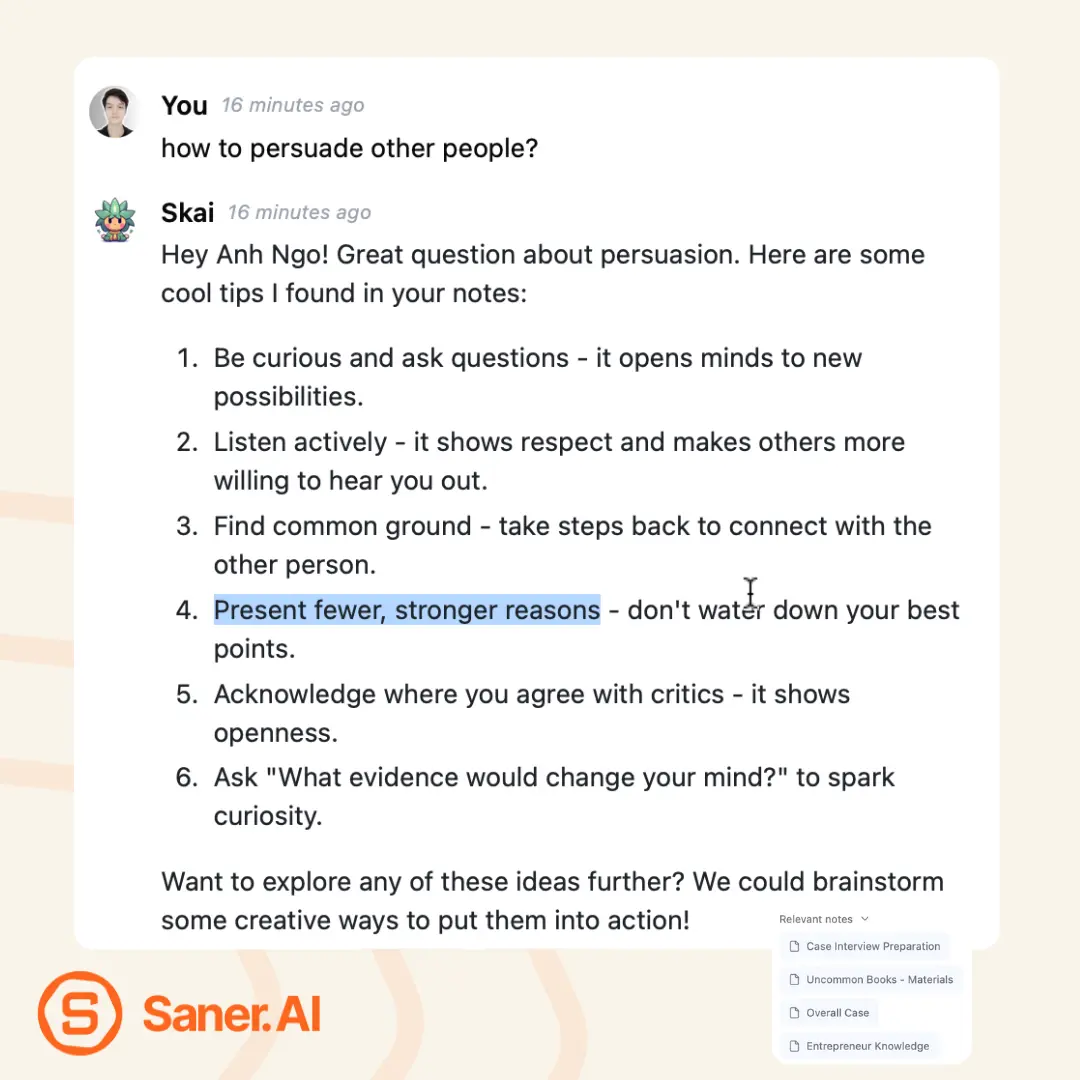
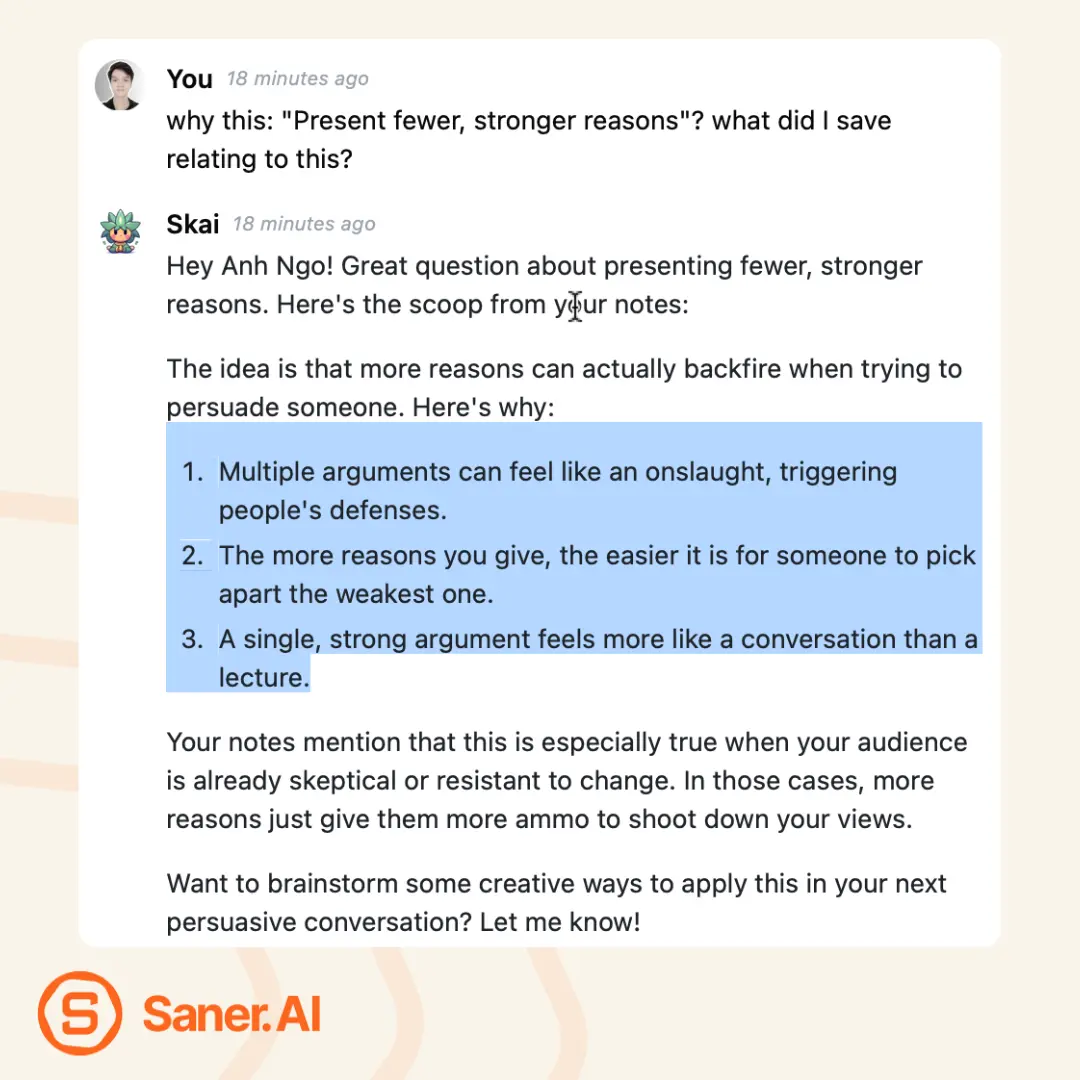
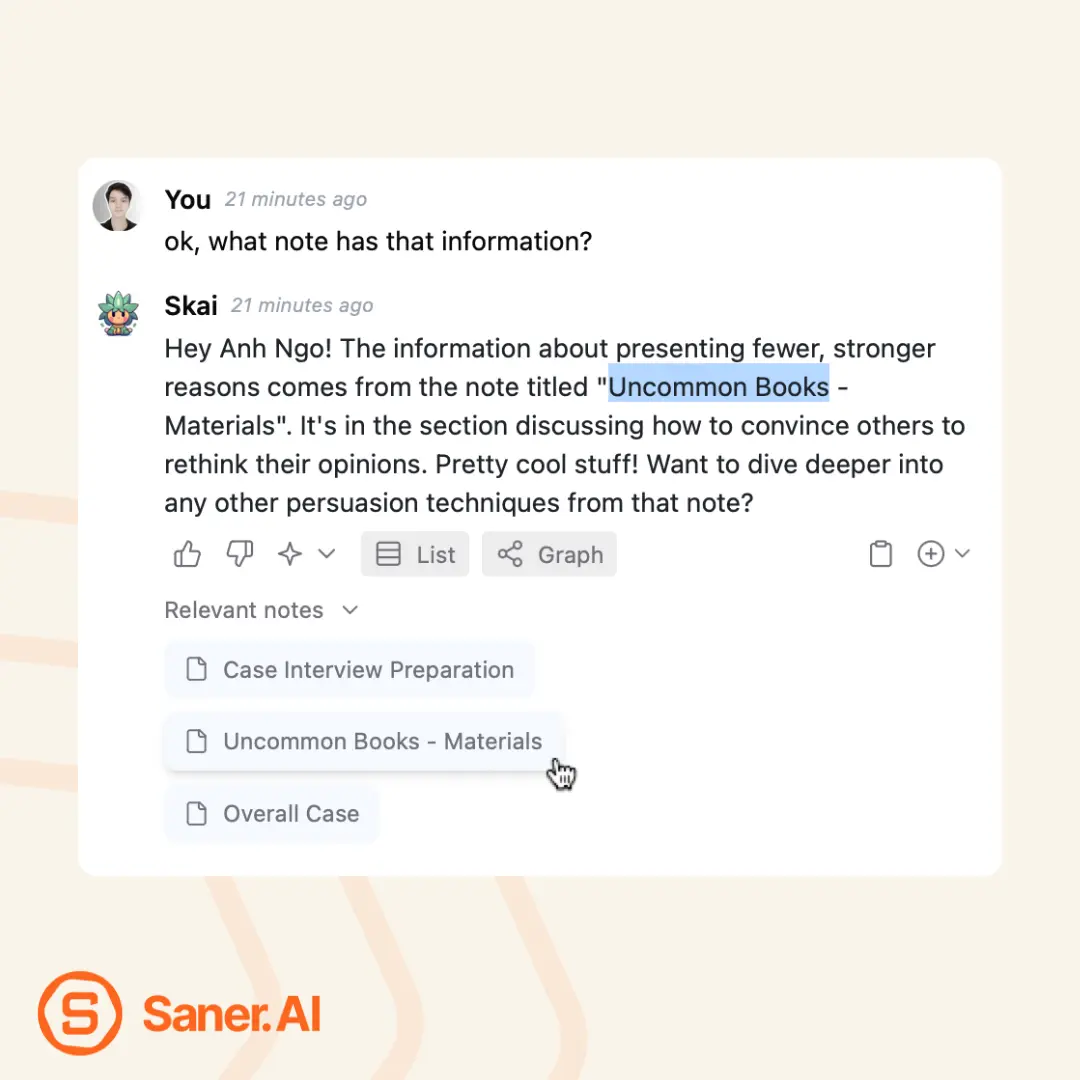
Now, I can pull any insight I’ve saved instantly. No more wasted time, no more frustration.
Using the persuasion insight I rediscovered, here’s one clear reason to embrace AI in our work
AI gives us instant access to the knowledge we’ve already vetted and saved. With that, we can respond to challenges as they come, equipped with the insights we trust.
While others are stuck searching or forgetting valuable information—like I used to—we, the early adopters, will thrive with the productivity edge we now have.