Distraction-Blocking Apps: We tested the best 3 in 2026


Struggling to stay focused in a world full of pings, pop-ups, and push notifications?
You're not the only one. Whether you’re dealing with ADHD or just trying to get through a deep work session, modern tech often feels more like a trap than a tool.
But here’s the twist: the same devices that distract you can also help you reclaim your focus.
Distraction-reducing apps are designed to help you set boundaries, block interruptions, and build stronger focus habits, right from your phone or laptop.
Before we dive into the best apps to reduce distractions, let’s unpack why distractions are so hard to manage in the first place.
1) Why We Get Distracted So Easily
Distraction happens when something - external or internal - pulls your attention away from what matters.
That could be:
- A Slack notification mid-email
- A mental tangent while reading a report
- A "quick" scroll that turns into 45 minutes
How Distractions Affect Productivity and Learning
Distractions don’t just slow you down. They interfere with your memory, learning, and performance. Here’s how:
- 🧠 Divided Attention: Multitasking reduces your ability to focus deeply and encode new information into memory.
- 💭 Reduced Working Memory: Every interruption makes it harder to hold key info in your mind and process it.
- 📉 Poorer Comprehension: Studies show that distracted reading leads to lower test scores and recall.
- 🧩 Habit Memory Overload: When distracted, your brain stores info in the "autopilot" system, harder to retrieve later.
- ⚖️ Cognitive Overload: Juggling distractions raises your mental load, making it harder to learn or decide.
🔗 Source: ScienceDaily on multitasking and memory
2) ADHD and Distraction: Why It’s Harder to Tune Out

For people with ADHD, distractions hit differently. ADHD impairs executive function, like focus, impulse control, and working memory, which makes filtering out noise much harder.
- It’s not just “getting distracted easily.” It’s feeling pulled in five directions at once, internally and externally.
- Mind-wandering, intrusive thoughts, and hyperfixation on the wrong thing all contribute to the challenge.
3) How Distraction-Blocking Apps Help
Apps to reduce distraction work by giving your brain the structure and support it craves.
Here’s why they’re effective:
- 🚫 Boundary Setting: Limit access to time-wasting sites or apps (think: Instagram, YouTube, email).
- 🌱 Habit Formation: Regular use helps rewire your brain for sustained focus.
- ⏰ Gentle Reminders: Nudges keep your attention aligned with your goals.
- 🎮 Gamified Focus: Some apps turn focus into a fun challenge or game (hello, Forest!).
- 💼 Cross-Device Sync: Stay focused at your desk, on the couch, or on the go.
Think of them as your digital bouncers - keeping distractions out so your best work can get in.
4) What to Look for in Distraction-Blocking Apps
(Especially if you’re easily distracted or have ADHD)

When choosing an app to reduce distraction, look for these ADHD-friendly features:
- Simplicity: Clean, minimal interfaces that reduce friction, not add more.
- Ease of access: Fast setup, easy to start a focus session with one tap.
- Unbreakable focus sessions: Apps that prevent you from easily disabling the blocker mid-task.
- Customization: Ability to block specific apps, websites, or time slots that derail your day.
- Positive reinforcement: Gamified rewards or gentle nudges that keep you engaged without shame.
- Cross-platform syncing: So you don’t block distractions on your laptop… and end up on your phone.
Best Distraction-Blocking Apps
1. Freedom
Freedom.to is one of the most powerful distraction-blocking apps out there. It helps you block websites, apps, or even the entire internet - across all your devices at once. With millions of users, it's designed for anyone who needs serious help avoiding digital distractions and getting into deep focus.
Key features
- Custom Blocklists: Block specific websites or apps—or allow only what’s essential
- Multi-Device Sync: Apply the same block session across phone, tablet, and computer
- Locked Mode: Prevents you from quitting the session early (yes, even if you’re tempted)
- Scheduled Sessions: Set recurring focus times or launch them on demand
- Session Notes & Stats: Jot down goals, track your productivity habits over time
What I liked:
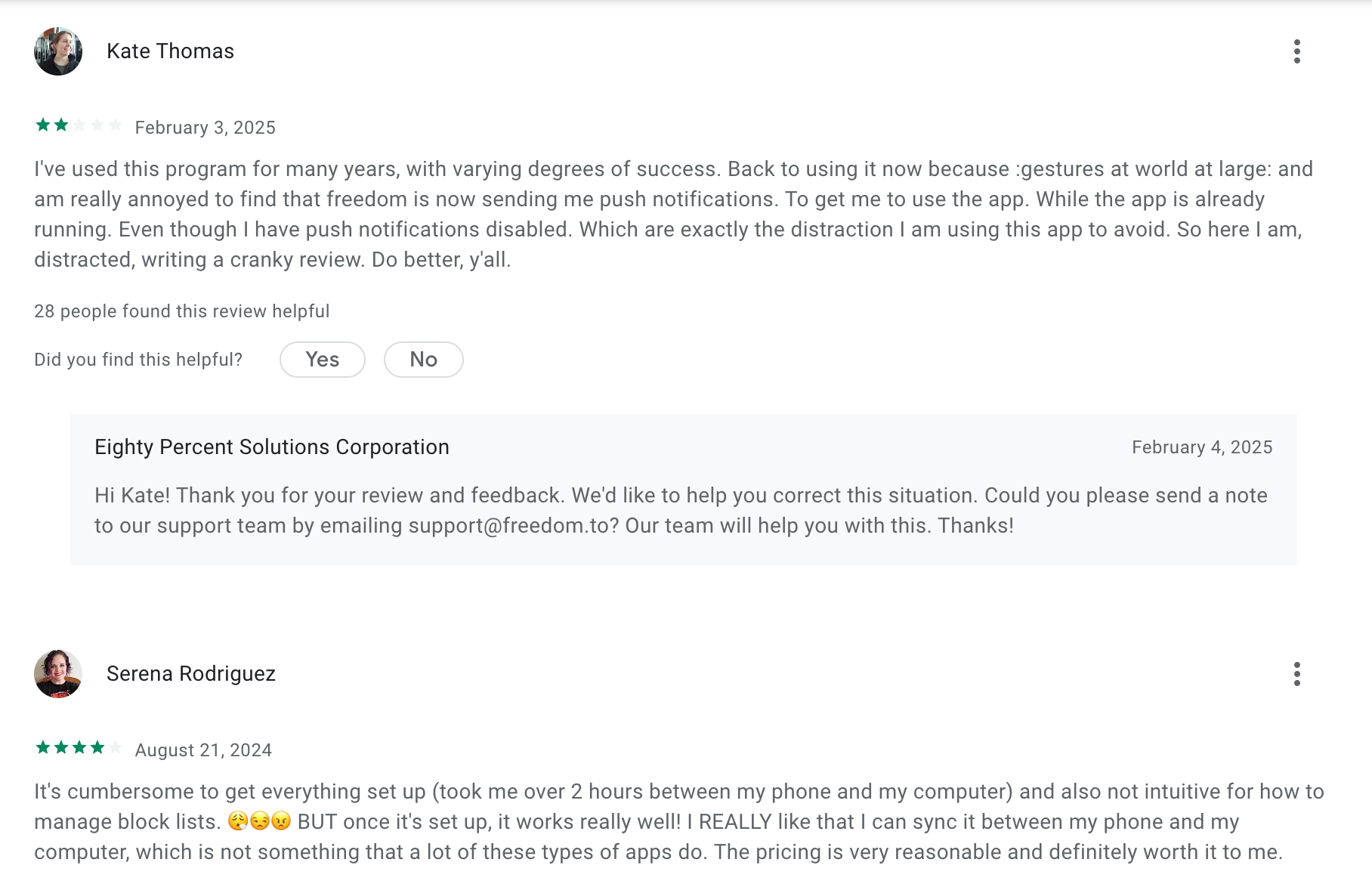
- I really like the device sync - it’s one of the few apps that can lock me out of distractions on both my laptop and phone.
- Locked Mode is also great. Once a session starts, I can’t break it even if I want to (which is exactly what I need sometimes).
- The ambient sounds feature adds a nice touch
What I disliked:
- The good stuff is behind a paywall - after the trial, you’ll need Premium for multi-device sync and unlimited sessions.
- It takes a bit of time to set up just right, especially if you want to fine-tune blocklists.
- Some platforms (like Android) lag a little behind in feature availability.
Pricing:
- Free 7-day trial
- $8.99/month or $39.99/year
- $99.50 one-time “Forever” plan
Suitable for:
- Professionals, freelancers, students, or teams who need help with screen time and staying on task
- Anyone prone to multitasking or social media rabbit holes
- People who want a serious, no-excuses system to protect their focus
How to start:
Create an account on Freedom. Download the app on your devices and start your first session. Use Locked Mode if you're serious about staying distraction-free.
Freedom review (source)
2. Forest
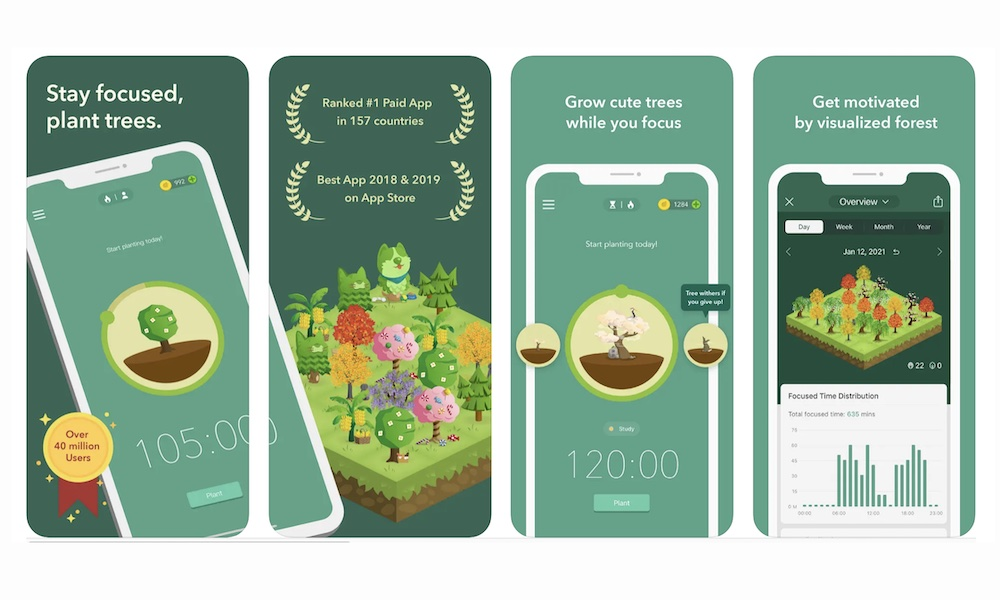
Forest is a distraction-blocking app that helps you stay focused by growing a virtual tree every time you start a focus session. If you leave the app, your tree dies - so you stay off your phone and in the zone.
It’s perfect for people who want a simple, visual way to stay present and build better focus habits.
Key features
- Gamified Focus Sessions – Plant a tree that grows as you stay focused
- Visual Progress Tracking – Build a forest that reflects your productive time
- Ambient Sounds – Use background noise like rain or café ambience while working
- Browser Extensions – Block distracting websites on Chrome and Firefox
- Real Tree Planting – Exchange earned coins to plant real trees via partner orgs
What I liked
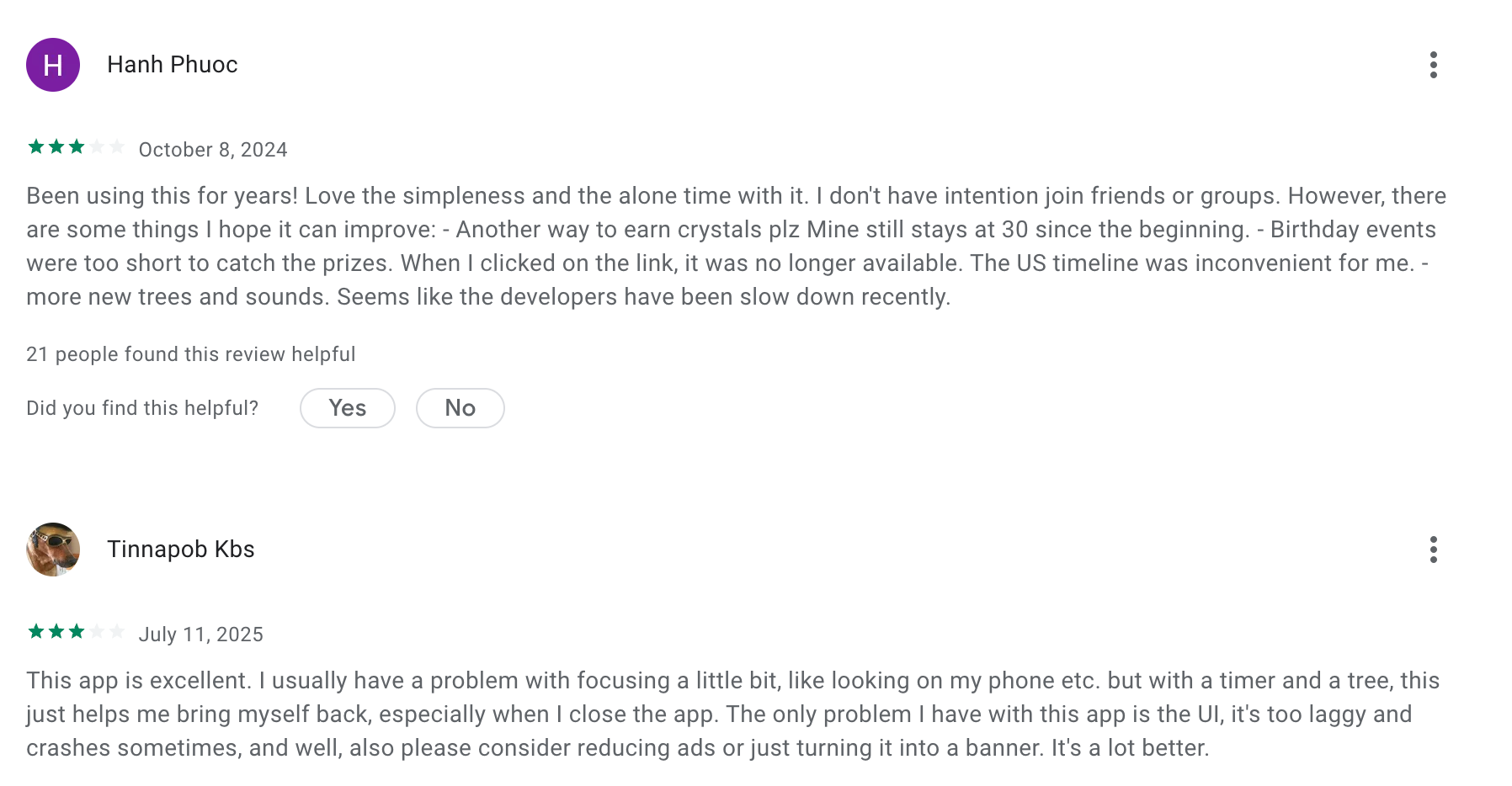
- ✅ Watching your forest grow gives you a fun, visual reward for staying focused
- ✅ Clean and calming interface that’s easy to use
- ✅ Ambient sounds create a relaxing, immersive focus environment
- ✅ Works across mobile and browser
What I disliked
- ❌ Doesn’t block desktop apps or system notifications
- ❌ No smart scheduling or AI assistant - everything’s manual
- ❌ Gamification may lose novelty over time for some users
Pricing
- ~$1.99–3.99 one-time purchase (mobile app)
- Free browser extension
- Optional in-app purchases for tree designs and sound packs
- No recurring fees
Suitable for
Students, freelancers, and anyone who wants a creative, low-pressure way to block distractions and build a habit of focused work.
How to start
Download Forest on your phone or browser, plant your first tree, and grow your focus - one session at a time.
Forest review (source)
3. One Sec
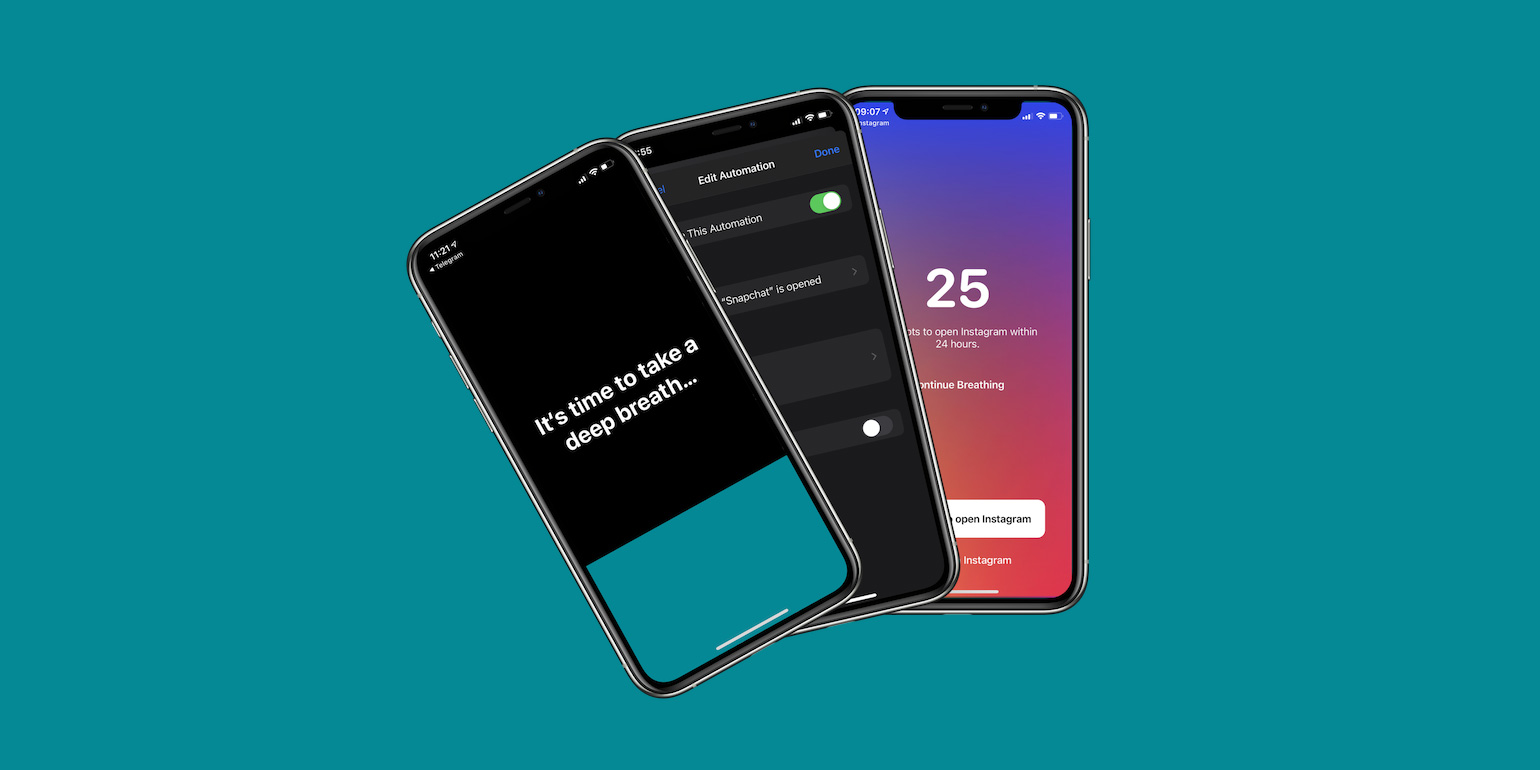
OneSec is a mindful distraction-blocking app that helps you break the cycle of compulsively opening social media and other time-wasting apps. It works by inserting a short pause-like a breathing exercise or a 10-second delay- before the app opens, giving your brain time to opt out of the distraction loop.
Key features
- Delay Interventions: Adds a 1–10 second pause or mindfulness activity before launching an app
- Custom Prompts: Choose from breathing exercises, moving a dot, or setting healthy intention reminders
- Cross-Platform Support: Works on iOS, Android, Mac, and web browsers
- Website Blocking: Also blocks distracting websites with the same delay
- Usage Stats: Tracks how often you bypassed distractions and how much time you saved
What I liked
- I like that it’s simple and automatic. Once it’s set up, it interrupts distractions without effort.
- The breathing prompt helps me pause and check in with what I’m actually trying to do.
- It also supports multiple devices, so I can use it on both my phone and laptop.
What I disliked
- The iOS and Android setup can be a bit technical, especially using Shortcuts or Accessibility settings.
- You only get to block one app on the free plan - multi-app blocking requires Pro.
- Sometimes it interrupts me when I actually do need to open the app, which can get annoying.
- It's not a full productivity system - it won’t help schedule or plan tasks like some other tools.
Pricing
- Free for one app
- Pro version unlocks unlimited apps, scheduling, and advanced features
- One-time and annual plans are available
Suitable for
Anyone looking for a lightweight distraction-blocking app to help reduce reflexive app use. Especially helpful for people with ADHD, students, or professionals trying to stay focused without installing rigid blockers.
How to start
Download the OneSec app or browser extension, pick your most distracting app, and customize the delay.
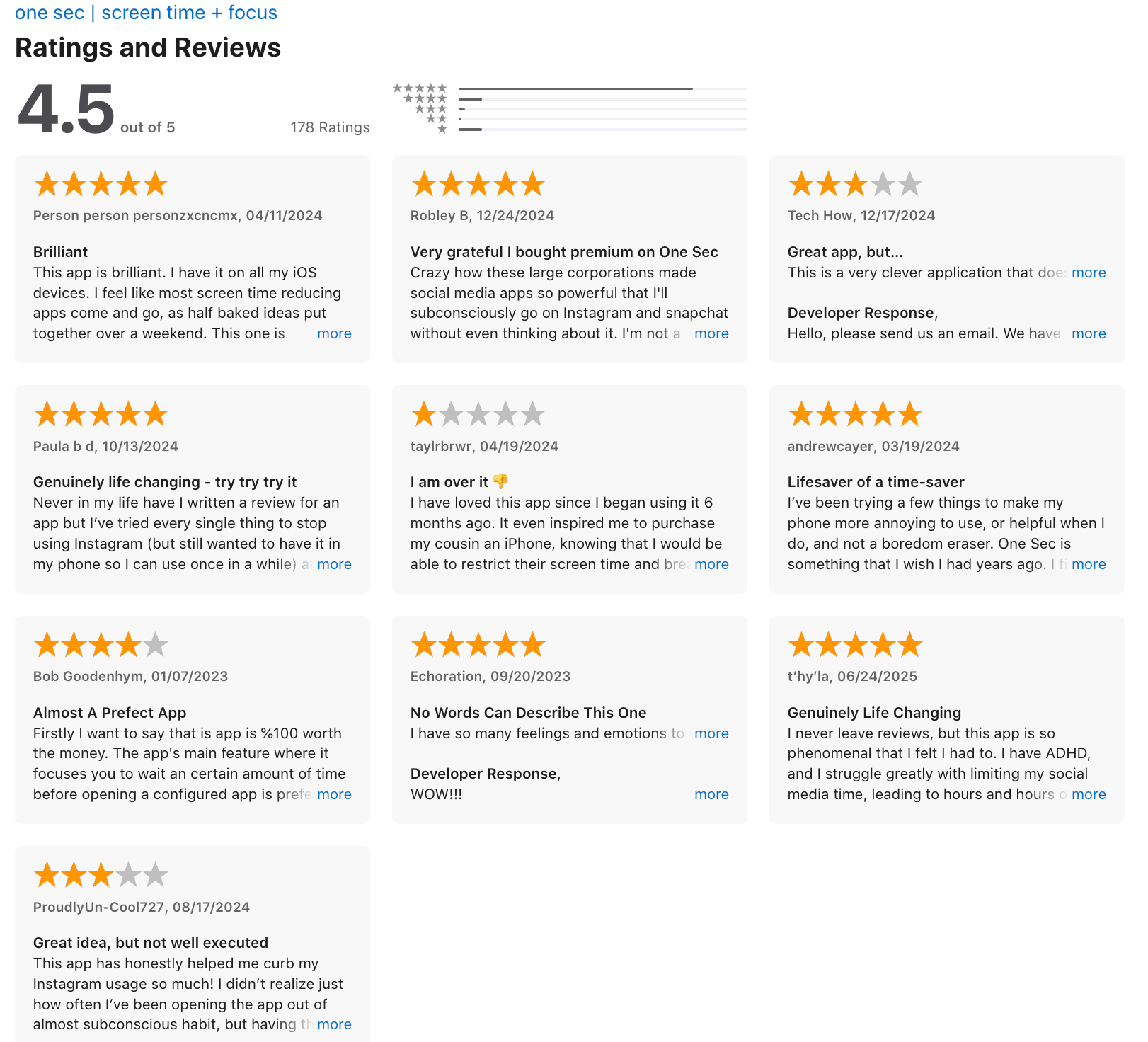
OneSec Review (source)
Final Thoughts
Distraction-blocking apps are just one piece of the puzzle in staying productive or managing your ADHD
Think of them as tools for building a "second brain" - a digital support system that helps you stay focused, manage time, and achieve your goals.
Whether you’re managing ADHD or simply looking to improve your productivity, these apps can turn your devices into allies rather than sources of distraction.
Give them a try and discover which one works best for you.
Remember, small steps toward focus can lead to big changes in your day-to-day life!
Also, you may benefit from this
Stay on top of your work and life easily
👉 You may like this post on how to improve Productivity for adults with ADHD
FAQ for Distraction Blocking Apps
1. What are Distraction-Blocking Apps?
Distraction-blocking apps help you stay focused by limiting access to distracting websites, apps, or notifications during work or study sessions.
They’re like digital bouncers - keeping time-wasting habits out so you can get stuff done.
Popular distraction-blocking tools include OneSec, Freedom, and Forest.
2. How do Distraction-Blocking Apps work?
Most apps use a mix of these techniques:
- App & Website Blocking – Stop yourself from opening Instagram or YouTube during deep work
- Timers & Focus Sessions – Use Pomodoro or time-blocking to build a rhythm
- Context-Aware Reminders – Warn you when you try to open a distracting app (like OneSec’s “Do you really want to open this?”)
- Analytics & Reports – Help you understand your distraction triggers
Some advanced tools also integrate with your calendar or use AI to personalize your schedule.
3. What are the benefits of using a Distraction-Blocking App?
A good distraction-blocking app can help you:
- Get into flow faster – No more “just five minutes” on social
- Reduce mental fatigue – Less context switching means more energy
- Improve task follow-through – Especially if you have ADHD or executive dysfunction
- Rebuild focus habits – Turn deep work into a daily default
For ADHD-prone brains, these tools act as an external structure, especially useful when motivation dips.
4. Are there free Distraction-Blocking Apps?
Yes, several distraction blockers offer generous free plans:
- OneSec – Mindful delay before opening distracting apps (free on iOS)
- Forest – Focus timer with a gamified tree-growing concept
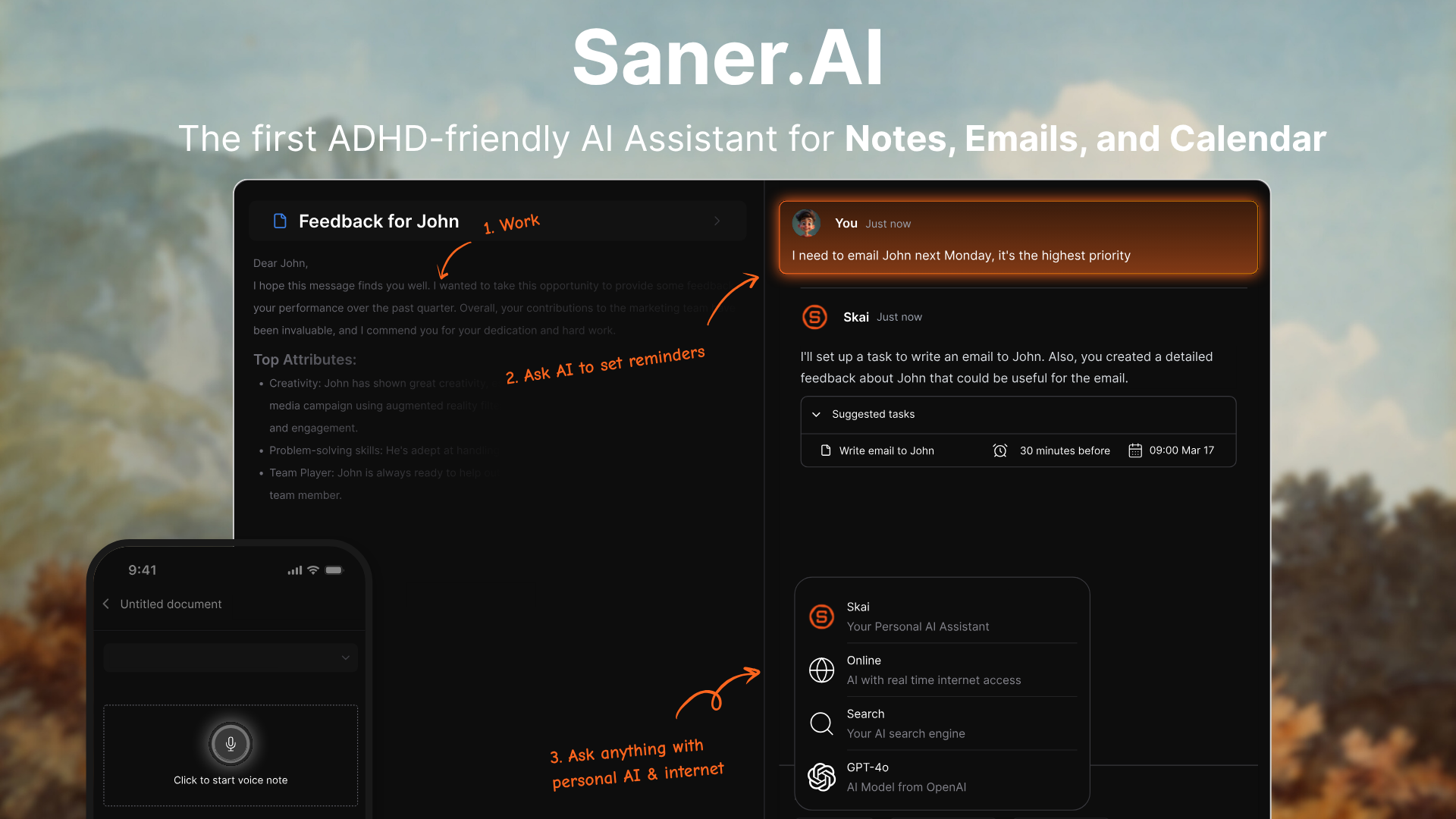
- Saner.AI – Not a blocker, but helps reduce distraction by organizing your day and checking in proactively
You don’t need to spend to start building better focus.
5. What’s the best Distraction-Blocking App for ADHD?
ADHD brains need more than just brute-force blocking. Look for tools that:
- Gently interrupt impulsive behavior (OneSec is great for this)
- Have a visual effect (Forest is a good one)
- Adapt to your daily energy (Saner.AI helps with scheduling)
Saner.AI, while not a blocker, helps ADHD users stay on track by planning the day automatically, reminding you of what matters, and reducing the mental load of juggling tasks.
6. What’s the difference between a Distraction Blocker and a Productivity App?
Distraction blockers reduce temptation. Productivity apps help you act with intention.
Some tools, like Saner.AI, blend both:
- Block distractions (or discourage them)
- Prioritize your to-dos
- Help you follow through with fewer decisions
For best results, use a combo: one to block distractions, one to guide your focus.
7. Do Distraction-Blocking Apps actually work?
Yes, especially when used consistently. They work best when paired with:
- Clear goals for each focus session
- Realistic work blocks (start with 25–45 minutes)
- Tools that remind you why you wanted to stay focused in the first place
Even just the 3-second delay in OneSec has helped thousands break mindless scrolling habits.
8. Which Distraction-Blocking Apps work across devices?
Here are a few cross-platform options:
- Freedom – Blocks apps/websites on Mac, Windows, iOS, Android
- Cold Turkey – Powerful desktop blocking (Mac & Windows)
- OneSec – Mobile-first, but syncs across Apple devices via iCloud
Make sure to block on all your devices—otherwise, your brain will find the loophole.