
Introduction Guide to the Saner.AI Chrome Extension


Introduction Guide to the Saner.ai Chrome Extension
What is Saner.AI Chrome Extension?
- It’s a tool to capture information instantly on any webpage on Chrome.
- We designed it to reduce context switching, distraction
How to Install the Saner.ai Chrome Extension
- Visit the Chrome Web Store: Go to Saner.ai Chrome Extension.
- Add to Chrome: Click on the ‘Add to Chrome’ button to install the extension.
How to Use the Saner.ai Chrome Extension
Once installed, using the extension is straightforward:
Capturing Information
- Highlight & Save: Simply highlight any text or image on a webpage, right-click, and select the ‘Save to Saner.ai’ option from the context menu.
- Keyboard Shortcuts: For an even faster capture, you can use keyboard shortcuts. Just highlight the text and hit the shortcut keys!
- Ctrl + Shift + K to create a new note
- Ctrl + M to insert highlighted content to current opening note
- Keyboard Shortcuts: For an even faster capture, you can use keyboard shortcuts. Just highlight the text and hit the shortcut keys!
Managing Saved Content
- Access Your Dashboard: Click on the Saner.ai extension icon in your browser toolbar to view your saved notes.
- Retrieve: You can easily retrieve information by clicking in the Extension button and ask AI directly
- Organize: All your new notes are sent to your inbox on Saner.ai. Here you can review, mark as read, move to designated folders, edit, or delete them to keep everything neat and tailored to your needs.
Tip: You can Pin the extension to easily access the Extension button
Tips for Maximizing Use
- Explore Regularly: Since this is a new way to capture information, try frequently use and make it a habit to capture interesting facts and ideas as you browse. All those information will be treasure for you later on (since you can easily recall them via Saner.ai app)
- Join the community: You can join the discord community of Saner.ai to explore further use case, tips here
Read more

Best Black Friday AI Deals in 2026 (Verified and Valid)
Black Friday is by far the best time of the year to buy AI tools, especially in 2026, when most AI apps have become more expensive, enterprise-focused, or usage-based. Deals are rare throughout the year, but Black Friday opens a short window when even premium AI tools offer 25–70% off.
If you’re a founder, student, creator, knowledge worker, or ADHD productivity lover, this guide will save you hours. I spent weeks tracking every confirmed AI deal, scanning official landing pages, and verifying
Best AI for Notes, Tasks, Email, and Calendar: What Covers All Four
TLDR:
* If you want one AI that can read and act on your notes, tasks, email, and calendar from a single chat, Saner.AI is the only tool in this roundup that covers all four natively.
* ChatGPT or Claude with connectors is great for asking questions about your inbox and calendar, but weaker at actually changing things.
* Motion is the best pick if your calendar runs your life and email doesn't.
* Notion is great for notes and projects, but as of September 22, 2026, it no longer has its own

ADHD and Sleep: Why they don't get along and what helps
Quick answer: ADHD and sleep problems travel together. A 2024 study of 3,691 adults with ADHD found about 60% screened positive for at least one sleep disorder, most often trouble falling asleep, insomnia, and restless legs.
It's 1:00 a.m. You meant to be asleep two hours ago. Your body is wrecked, but your brain just opened 7 new tabs, three of them about a hobby you didn't have yesterday.
For a lot of people with ADHD, bedtime feels less like winding down and more like a negotiation you keep
ADHD Waiting Mode: What is it and how to deal with it?
Quick answer: what is ADHD waiting mode?
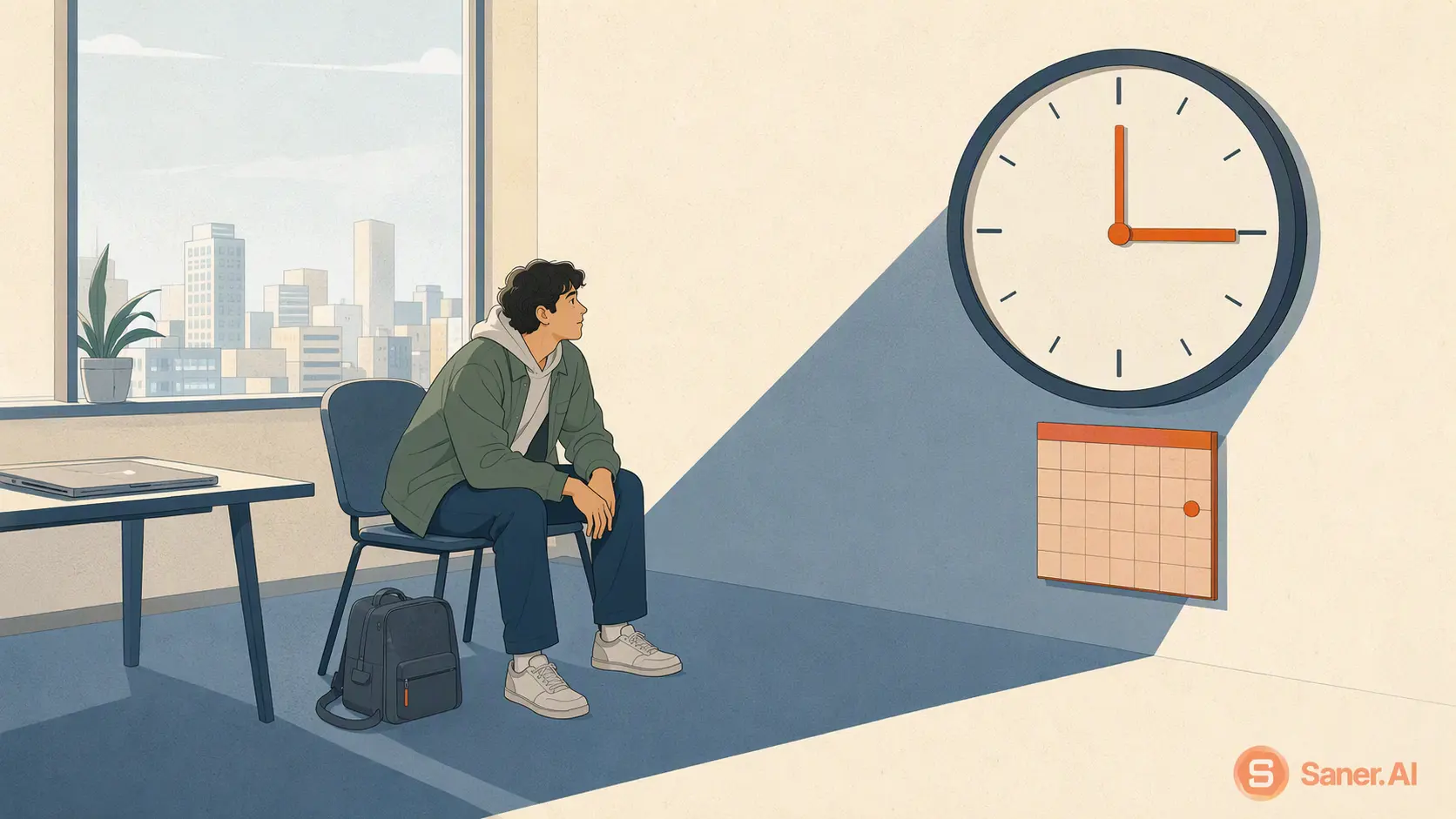
Here's the scene. You have an appointment at 3 p.m. It's 9 a.m., you have six free hours and a decent to-do list, and you fully intend to use them. Then it's 2:15. You've checked the time maybe 40 times, opened your inbox without replying to anything, and the only thing you've finished is a cold coffee.
If that's you, you're far from alone. About 6% of U.S. adults, roughly 15.5 million people, had a current ADHD diagnosis in 2023, and waiting mode is so