Saner.AI User Stories: How Jen - a call desk technician & computer enthusiast - transform his workflow

Saner.AI User Stories: Jen

1. Can you tell me your name, job, and any other details to give our readers some context?
Hi everyone, you can call me Mr. J Leo, I'm a professional whose role resembles that of a local ISP call desk technician.
I’m also a computer enthusiast who assists in troubleshooting and provides suggestions, while also offering a listening ear. I worked in an MNC.
2. What was the problem you were trying to solve before using Saner.AI?
I want to have a centralized database that can be accessed anytime, regardless of the device used and enables me to resolve issues by drawing upon the knowledge acquired over the years.
I want to be able to distill the essential components for immediate use or as temporary workarounds for friends, family, and even colleagues who may encounter similar problems
- I tried Notion, but it’s unsuitable for daily note-taking due to its excessive customization and focus on programming and technical aspects.
-
- I encountered Amplenote, and Capacities, however, they appeared to have lost momentum and ceased actively improving the app.
I needed a tool that addressed recurring issues with note-taking, database management, sorting, search functionality, and seamless AI/GPT capabilities integration.
3. How did Saner.AI make a difference in solving that problem for you?
Saner.AI filled the gaps left by other tools.
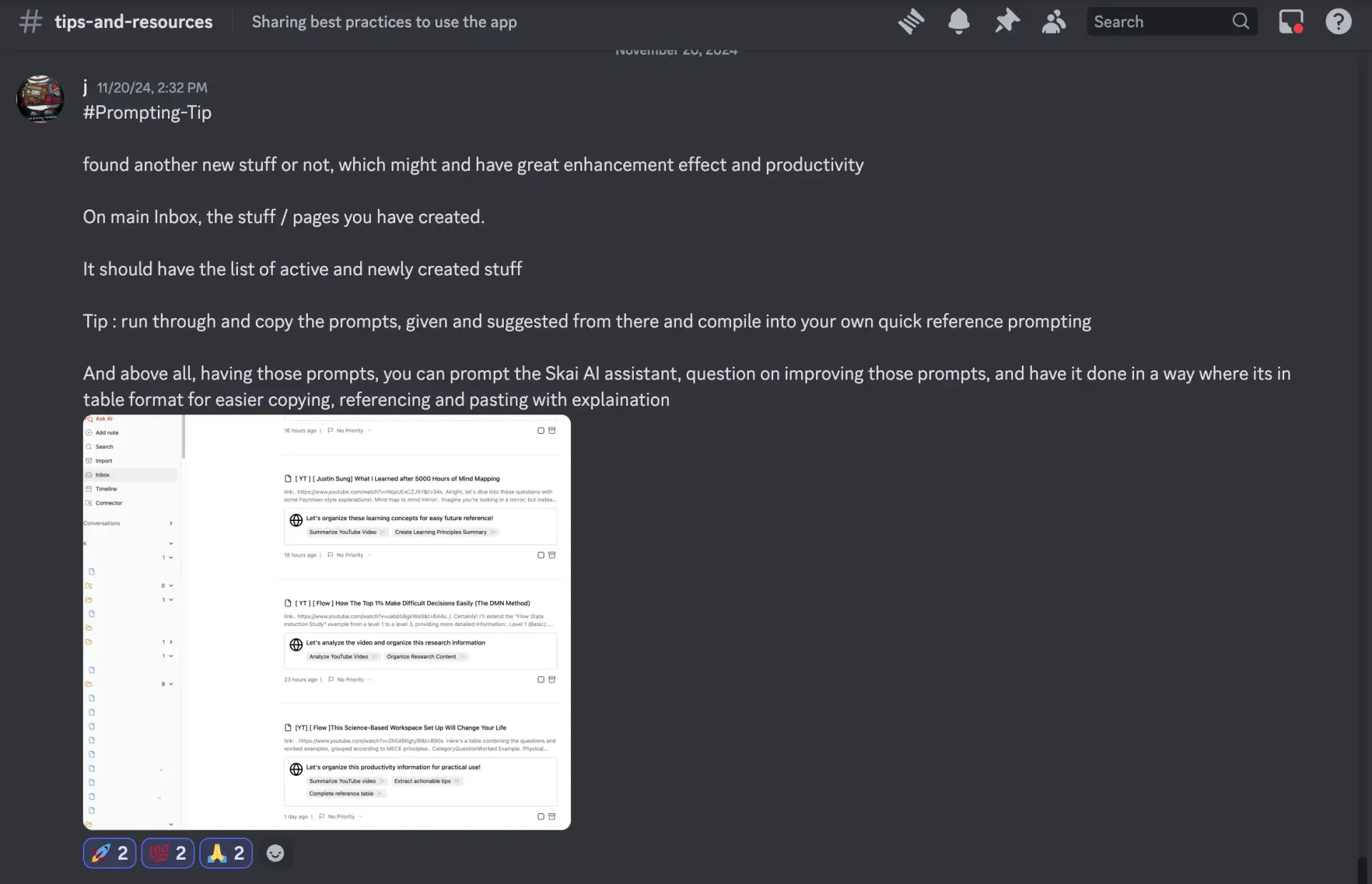
I’ve figured out a way to manage Zettelkasten and mapping, to-do lists, handle database management, and take daily notes with the app.
My problem-solving process, from understanding the issue to finding solutions, has become
remarkably efficient thanks to the integration of Skai and online search capabilities powered by GPT. This seamless workflow eliminates the need for manual effort and enhances productivity.
4. What was the moment you realized Saner.AI was working for you?
I have personally used Saner.AI as a translator for my extended Vietnamese family, and it has been instrumental in consolidating and distilling high-level information for my children or parents, who often face challenges in their work or personal lives.
This has enabled me to create a more efficient and effective e-life
5. What would you say to someone hesitant about trying the app?
I encourage you to try Saner and set specific goals for your use. These goals can be explicit, such as translating a new language or consolidating your work database processes (please refrain from copying sensitive company information).
Alternatively, you can use it to identify and address your work and life problems. The AI’s capabilities are remarkable when prompted correctly.
Begin with small problems and link them to larger ones. You may find yourself using Saner unknowingly for even the most basic questions, similar to how we rely on Google search.
6. Any final message you want to give to our readers?
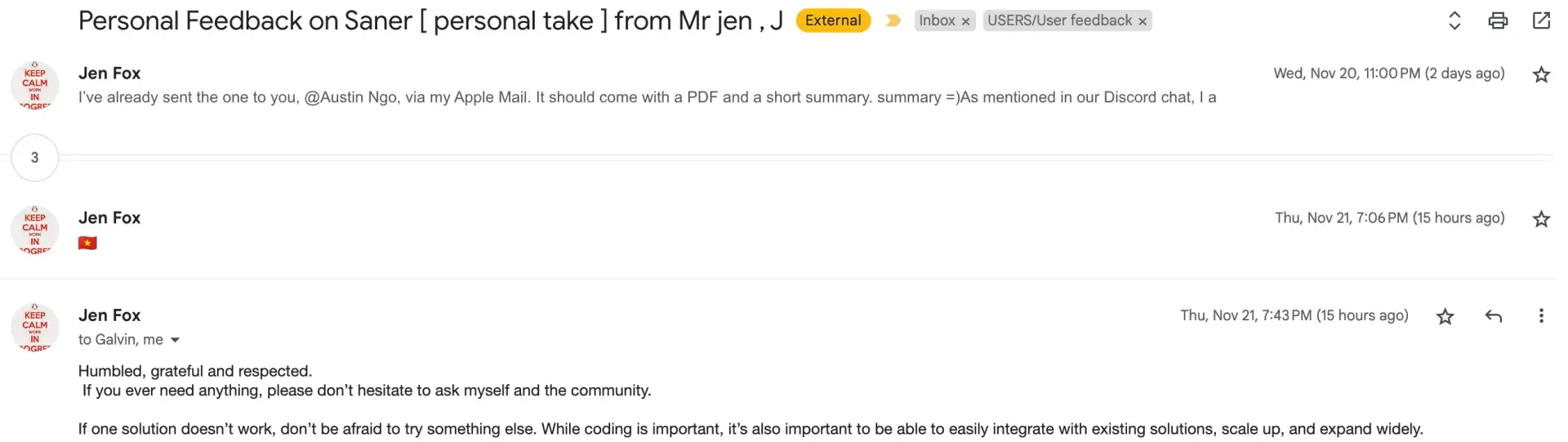
Saner.AI is a work in progress but effectively addresses real problems. With time and refinement, it will continue to improve, helping users create efficient, interconnected workflows for their personal and professional lives 🙂