
The Relentless Grind you need to get Product of the day on Product Hunt

The Grind you need to get Product of the day on Product Hunt
Hey all, I am a first-time founder, with low to zero expectations for a Product Hunt launch, but in the end, I got Product of the Day and saw good results from it.
My strategy took quite a lot of manual effort, so make sure you actually want to launch on Product Hunt. A quick test is to check whether your audience aligns with Product Hunt. If yes, the results can be really promising. Like in my case, my AI Note app aligns with entrepreneurs, founders, and PM audiences on PH.
Here are the detail step-by-step:
Stage 1 - Prepare
- Create a coming soon (teaser) page on Product Hunt
- I did this 2 months before the launch
- This allows people to learn about your product. If they click "Notify," they will get a notification email on your launch day.
- Pick a day when you're most likely to succeed. You can check the trends of previous launches to see voting patterns for each weekday.
Stage 2 - Find your supporters
- Browse Linkedin Groups related to PH to find active PH users
- You can also check the streak section or discussions on Product Hunt to find active members.
Stage 3 - Connect & Invite them to “Notify” on the launch
- With the users above, use whichever channel you can find to connect.
- Remember to put all these people's names on a spreadsheet to track
Stage 4 - Grind
- Just do it. I had about 2000 people on my sheet before the launch :) and +300 people clicked “notify” on the coming soon page
Stage 5 - Prepare before the launch
- Prepare all the marketing content beforehand.
- Images, demo videos, assets on PH page
- Social media posts
- Schedule all the posts (if possible)
- Find a good place for the team to work on launch day
- Rest well :)
Stage 6 - Reach out on Launch Day
- The first 4 hours are crucial because it will determine which product appears on top when users go to PH. If you get a high position, people will likely to check out/ vote for your product
- All your social media posts should be live already at this moment
- Reaching out to people on your spreadsheet directly as soon as the time starts :) as many as possible
- Use every channel and group possible to get people to support you. Yes I mean every
Stage 7 - Keep doing that and hope for the best
- My team continuously reached out to people throughout the day, finding every vote possible.
- However, there's a competitor that seems like they're buying votes; they got more votes than us. But in the end, we won because our votes are from real, qualified, and long-time users.
- If you start early, you can get many people to support your product, and it's less rushed.
Okay, that’s all from me, hope it helps :)
Read more
Best Black Friday AI Deals in 2026 (Verified and Valid)
Black Friday is by far the best time of the year to buy AI tools, especially in 2026, when most AI apps have become more expensive, enterprise-focused, or usage-based. Deals are rare throughout the year, but Black Friday opens a short window when even premium AI tools offer 25–70% off.
If you’re a founder, student, creator, knowledge worker, or ADHD productivity lover, this guide will save you hours. I spent weeks tracking every confirmed AI deal, scanning official landing pages, and verifying
Best AI for Notes, Tasks, Email, and Calendar: What Covers All Four
TLDR:
* If you want one AI that can read and act on your notes, tasks, email, and calendar from a single chat, Saner.AI is the only tool in this roundup that covers all four natively.
* ChatGPT or Claude with connectors is great for asking questions about your inbox and calendar, but weaker at actually changing things.
* Motion is the best pick if your calendar runs your life and email doesn't.
* Notion is great for notes and projects, but as of September 22, 2026, it no longer has its own
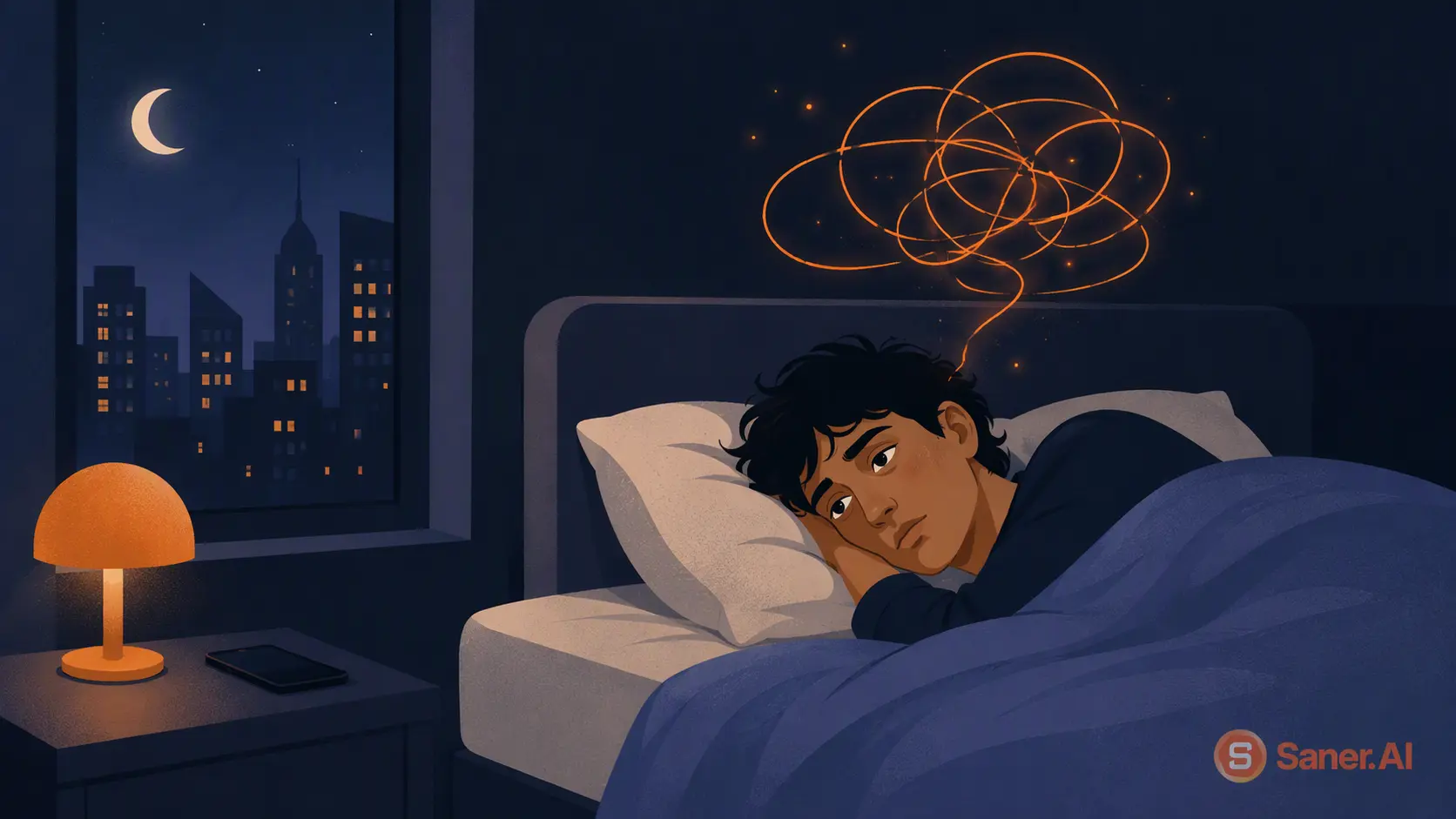
ADHD and Sleep: Why they don't get along and what helps
Quick answer: ADHD and sleep problems travel together. A 2024 study of 3,691 adults with ADHD found about 60% screened positive for at least one sleep disorder, most often trouble falling asleep, insomnia, and restless legs.
It's 1:00 a.m. You meant to be asleep two hours ago. Your body is wrecked, but your brain just opened 7 new tabs, three of them about a hobby you didn't have yesterday.
For a lot of people with ADHD, bedtime feels less like winding down and more like a negotiation you keep
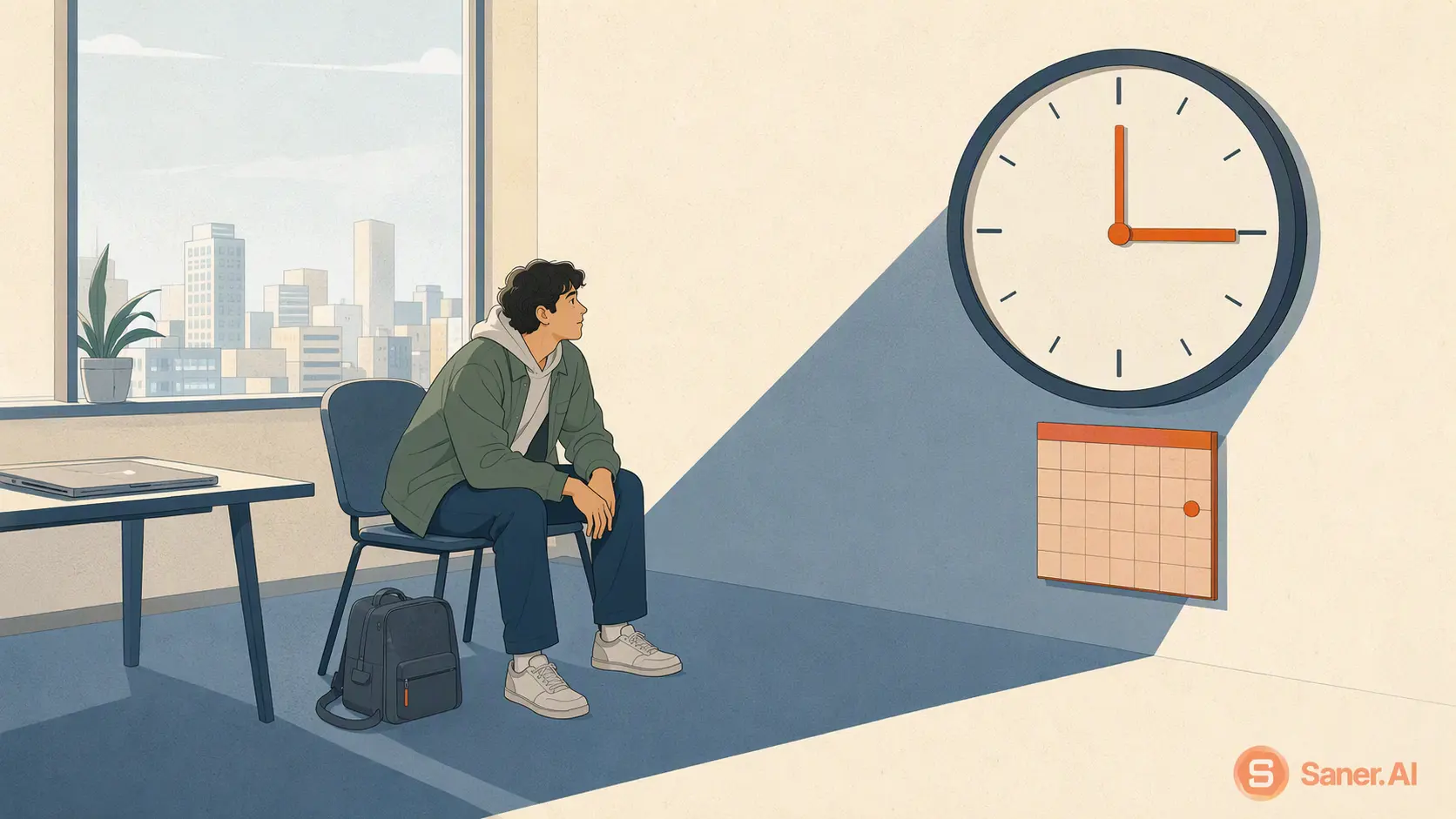
ADHD Waiting Mode: What is it and how to deal with it?
Quick answer: what is ADHD waiting mode?
Here's the scene. You have an appointment at 3 p.m. It's 9 a.m., you have six free hours and a decent to-do list, and you fully intend to use them. Then it's 2:15. You've checked the time maybe 40 times, opened your inbox without replying to anything, and the only thing you've finished is a cold coffee.
If that's you, you're far from alone. About 6% of U.S. adults, roughly 15.5 million people, had a current ADHD diagnosis in 2023, and waiting mode is so