
Import notes to Saner.ai - thousands of notes in seconds!


Import notes to Saner.ai
Hey everyone! 🌟
Importing your files into Saner.AI is super straightforward and fast.
Here’s how you can get your thousands of documents into the app easily:
Open Saner.AI: Start by logging into your account.
Navigate to Import: On the left sidebar, you’ll see the ‘Import’ option. Give that a click.
Choose Your File: You can import various formats like Text, Markdown, Word, PDF. Plus, if you’re using Obsidian or Notion, you can pull files directly from there!
Upload and Go: Select the file you want to import, upload it, and you’re all set to explore your content in a new, organized way.

If you need help with other particular file type? Just let us know! 🚀
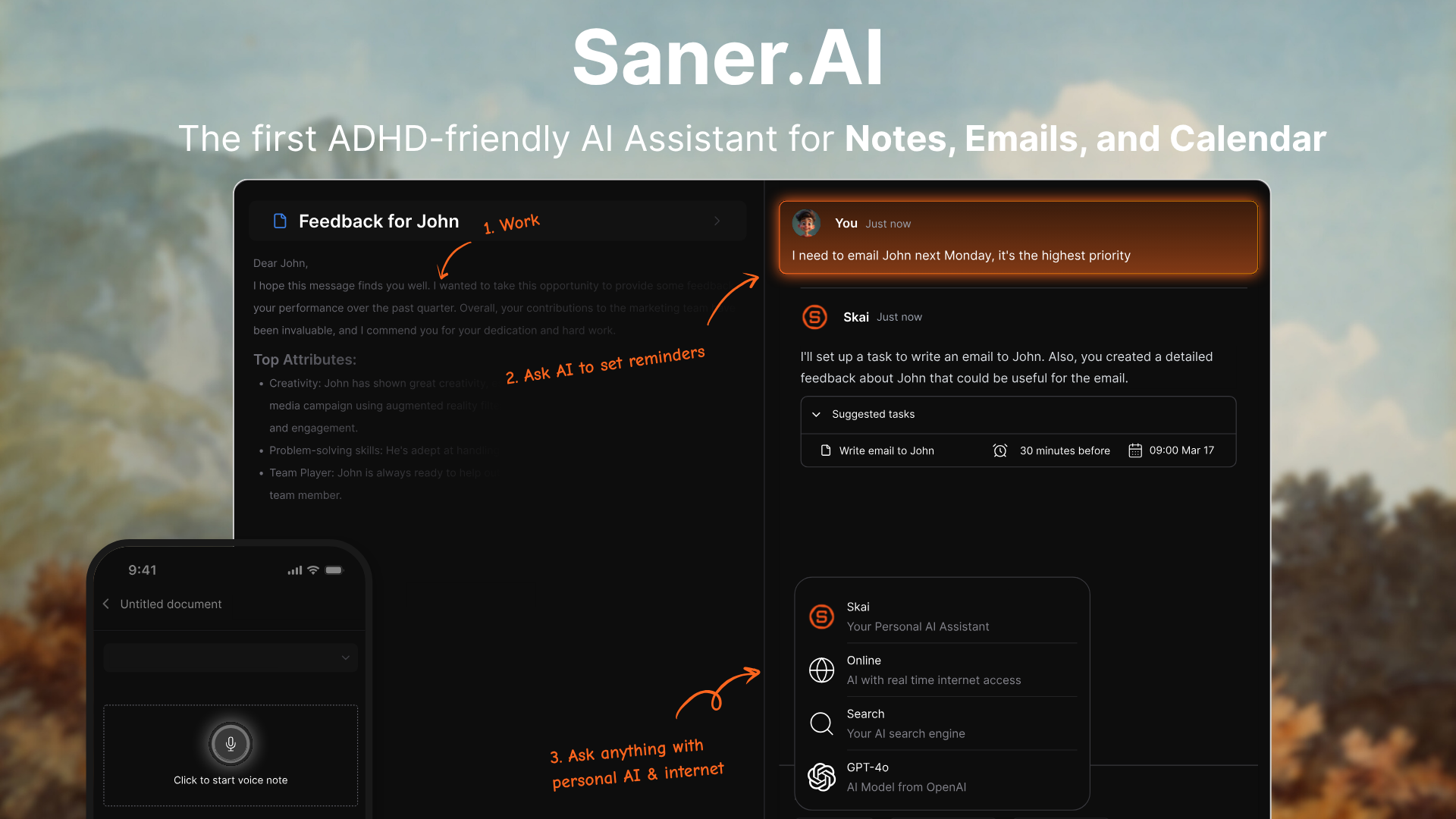
Stay on top of your work and life
Read more
Motion vs. Saner.AI for ADHD: Which AI planner is better?
Quick answer:
* Motion is an AI calendar. You give it tasks; it auto-schedules them into open time on your calendar, and it reshuffles everything when your day changes.
* Saner.AI is an AI assistant built for ADHD. It pulls your notes, email, Slack, and calendar into one place, drafts your day each morning, and reminds you of stuff you forgot.
Pick Motion if your problem is when to do the work. Pick Saner.AI if your problem is remembering the work exists.
* Motion: $29/month billed yearly
Sunsama vs Saner.AI for ADHD: Which one should you pick?
The quick answer
* Sunsama is a guided daily planner. Every morning, it walks you through picking tasks, estimating them, and putting them on your calendar
* Saner.ai is an AI assistant that keeps your notes, email, tasks, and calendar in one place, drafts your day for you, and nudges you about what you forgot.
If you'll reliably show up for a 15-minute ritual, Sunsama is excellent. If your mornings are chaos and your real problem is stuff falling out of your head, Saner.ai fits bette
How To Build a Second Brain For ADHD
The short answer
A second brain for ADHD is an outside system that holds what your working memory drops: ideas, tasks, links, "don't forget" moments. The version that works for ADHD has one capture point, very little filing, and search or AI that finds things for you, so it keeps working through the weeks you fall behind.
If you've ever built a gorgeous Notion setup on a Sunday and abandoned it by Wednesday, this post is for you. I'm going to skip the productivity-guru perfection and focus on

ADHD Object Permanence: How To Deal With It?
You bought spinach on Sunday. You found it on Friday, at the back of the fridge, turned into something closer to soup. You didn't forget spinach exists. You just stopped thinking about it the second you closed the fridge door.
The same thing happens with the email in your drafts folder, the library book under the passenger seat, and the friend you really do love but haven't texted in four months. If you have ADHD, there's a good chance you've heard someone online call this "object permanence."