Motion vs. Saner.AI for ADHD: Which AI planner is better?

Quick answer:
- Motion is an AI calendar. You give it tasks; it auto-schedules them into open time on your calendar, and it reshuffles everything when your day changes.
- Saner.AI is an AI assistant built for ADHD. It pulls your notes, email, Slack, and calendar into one place, drafts your day each morning, and reminds you of stuff you forgot.
Pick Motion if your problem is when to do the work. Pick Saner.AI if your problem is remembering the work exists.
- Motion: $29/month billed yearly for one person, or $49/month. No free plan. The 7-day trial asks for a card.
- Saner.AI: free plan, then $8 a month (Starter) or $16 a month (Standard) billed yearly. $12 and $20 if you pay monthly.
Why do ADHD brains struggle with normal planners?
- Working memory leaks. A meta-analysis of 38 studies found moderate working memory deficits in adults with ADHD compared with controls.
- Planning takes a hit too. A review of meta-analyses found that working memory, response inhibition, and planning/organization were among the areas where people with ADHD differed most from controls.
- Time gets slippery. A 2023 review of a decade of adult studies found problems with estimating time, reproducing time intervals and managing time.
- Procrastination tracks with inattention. In a small study of 54 students, inattention symptoms (not hyperactivity) were the ones tied to general procrastination.
What does Motion offer people with ADHD?
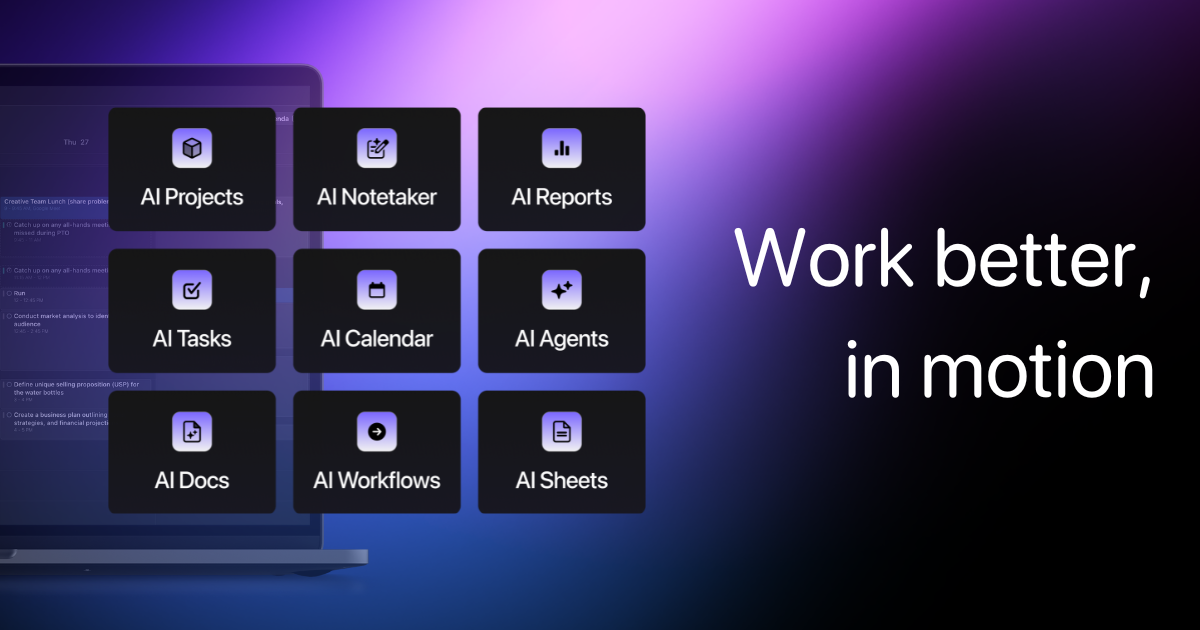
Motion is an AI planner that auto-schedules your tasks onto your calendar. It has grown into a bigger work suite with projects, docs, AI chat, and a meeting notetaker, but the scheduler is still the reason people pay.
What it does:
- Auto-scheduling. Each task gets a duration plus a deadline or priority. Motion finds a slot
- Chunking. Long tasks get split into smaller blocks. A 4-hour report becomes four 1-hour pieces spread across the week.
- Auto-rescheduling. A meeting lands on Thursday? Motion moves your tasks around it.
- One merged calendar. It syncs Google, Outlook, and iCloud.
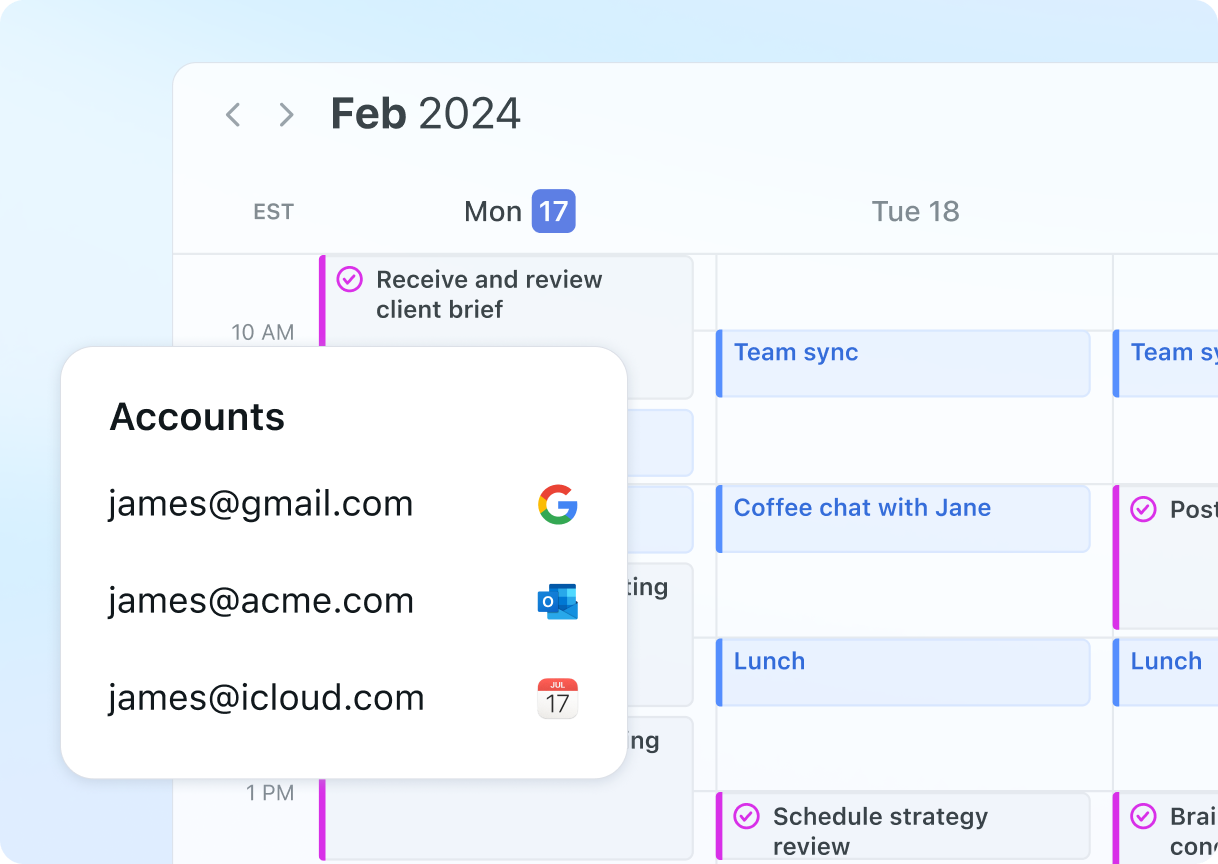
- AI Notetaker. A bot joins Zoom, Meet, or Teams and writes up a summary with action items. It transcribes in English only.
- Booking links so other people can grab time with you.
Pros for ADHD:
- It warns you early. If a task can't fit before its deadline, Motion flags it. Much better than finding out at 11 p.m. the night before.
- It's strongest for heavy, deadline-driven workloads.
Cons for ADHD:
- The setup tax is high. Every task needs a duration and a deadline or priority. That means estimating time for everything, which is the exact skill the research above says is shaky for a lot of us.
- The plan keeps moving. New meetings or higher-priority work can make some tasks shift multiple times. For some brains that's freedom. For others it's a calendar playing musical chairs, and you're always the one left standing.
- It's pricey for one person. Like, really. $348 a year paid up front, or $588 a year if you pay monthly. There's no free plan
>> Want cheaper options with a similar idea? Here's a roundup of Motion alternatives.
What does Saner.AI offer people with ADHD?
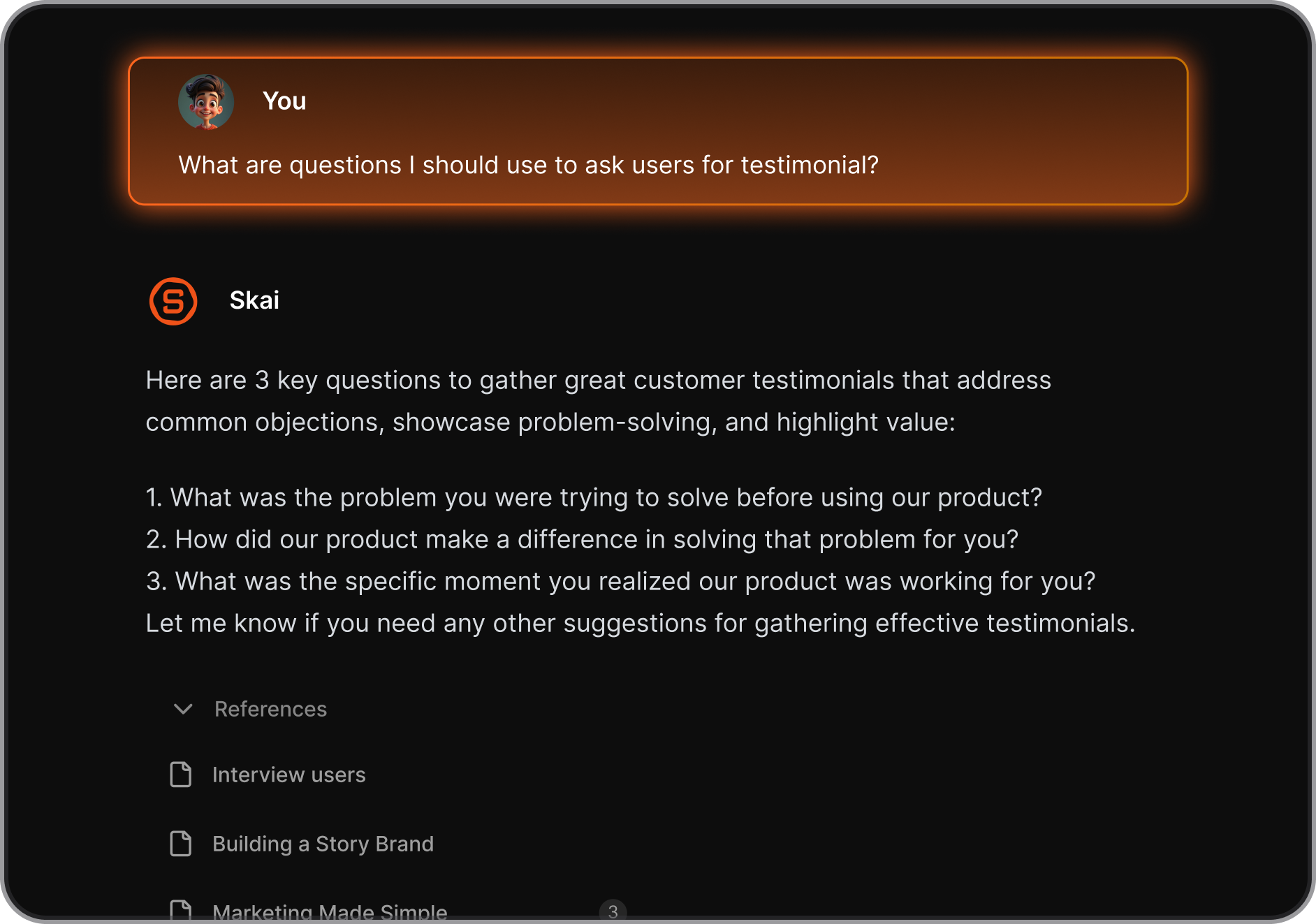
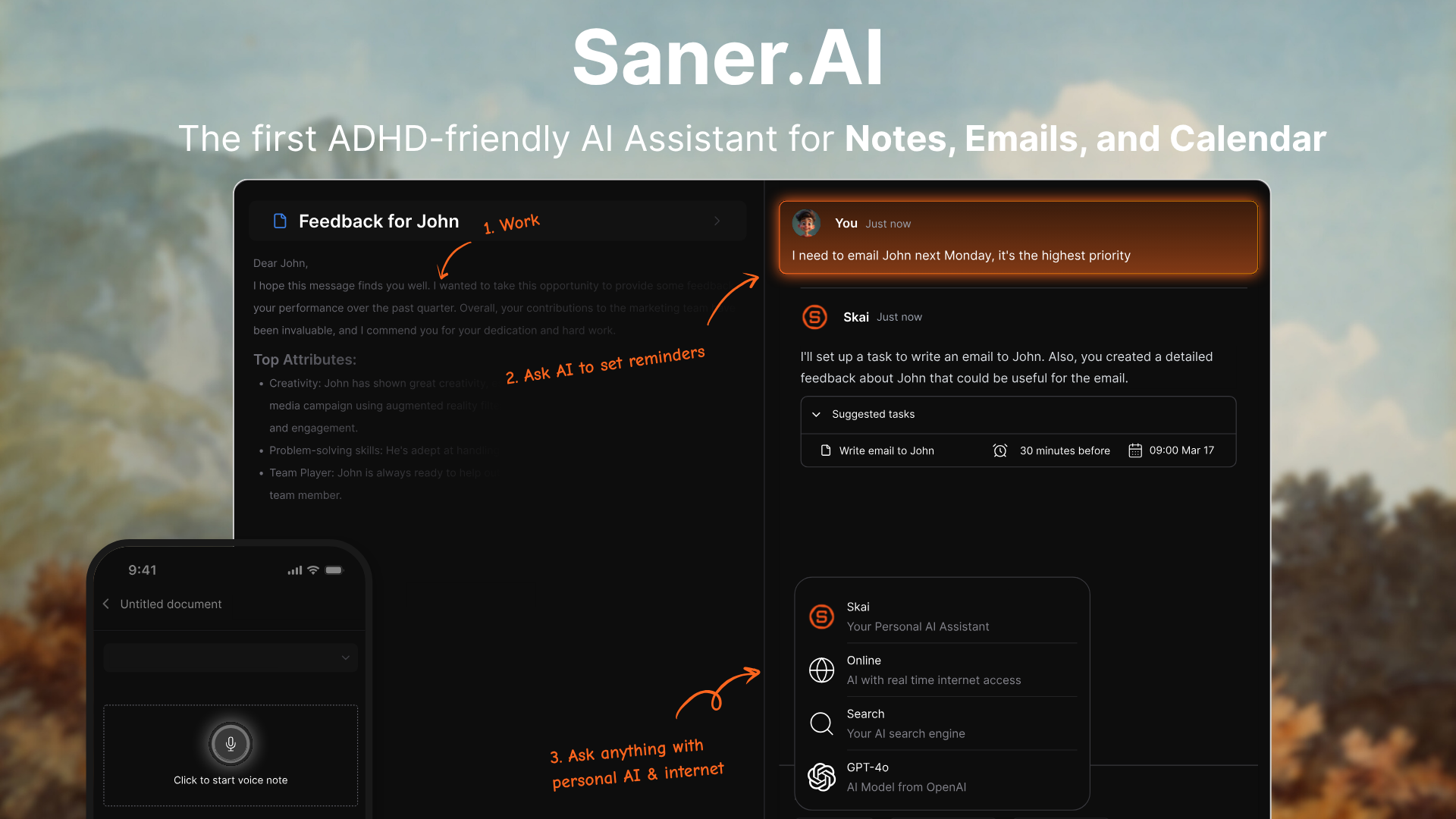
Saner.AI is an AI personal assistant built for ADHD. It connects your notes, email, Slack, Google Drive, and calendar, and an assistant called Skai searches, plans, and nudges you across all of it. You talk to it like you'd text a real assistant.
What it does:
- Brain dump capture. Type or say whatever is rattling around. The Smart Add update lets Skai save it as a note, turn it into a task, and file it in the right folder. You don't decide where things go.
- Email and Slack into tasks. Gmail, Outlook, Slack and Drive sync in. Action items get pulled out
- A morning brief. Skai Proactive scans your calendar, overdue tasks, and recent notes every morning (or whenever you schedule it) and tells you what needs attention.
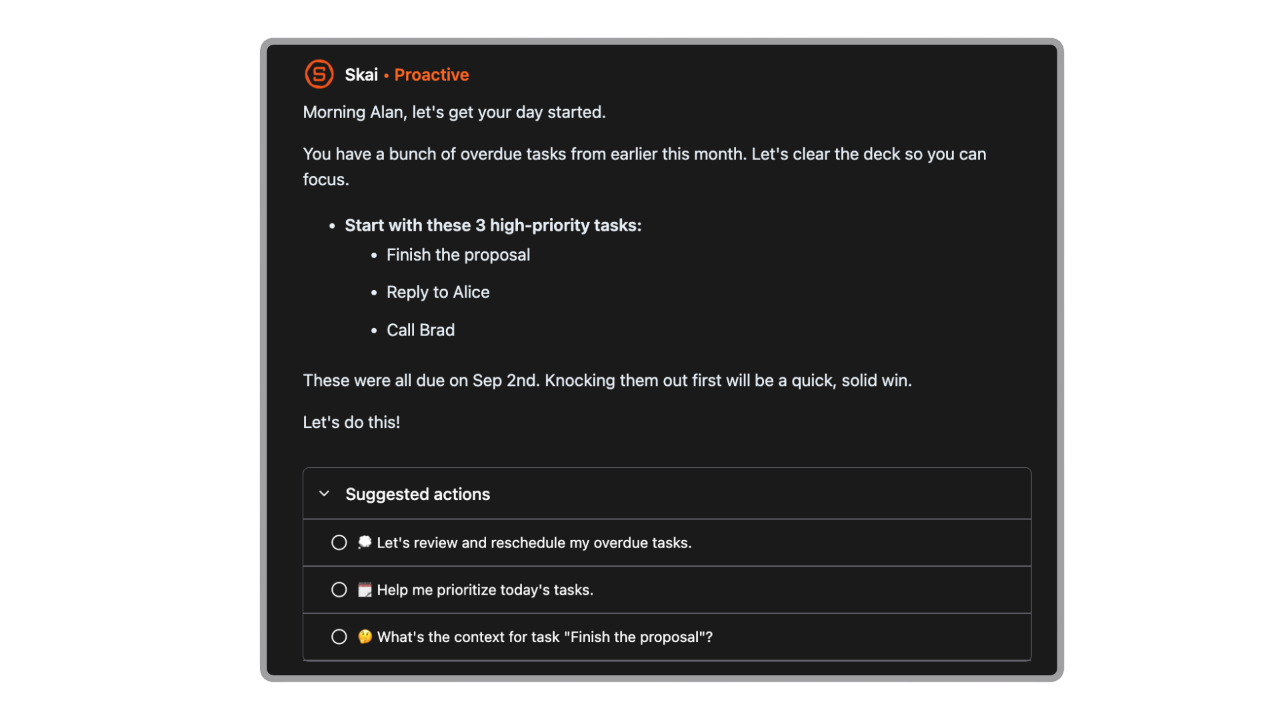
- Breakdowns and a Focus Box. You can ask Skai to "break this down for me" into subtasks, pin your top 3 tasks in a Focus Box, and give tasks durations so they show up as blocks on your calendar.
- Search that doesn't need the right words. Type "that meeting about the marketing budget" and it finds the note even if you titled it "Q3 stuff."
Pros for ADHD:
- Low setup. You don't have to estimate every task up front. Dump first. Sort later (or never, since Skai sorts).
- It acts like outside working memory. Things you agreed to in Slack or email get caught without you writing them down twice.
- More on that idea in this guide to building a second brain for ADHD.
- Fewer app switches. Notes, tasks, inbox, and calendar live in one place, which cuts down context-switching costs.
- You can try it free, with no card.
- It's built for ADHD on purpose
Cons for ADHD:
- It won't run your calendar for you. Skai drafts your day, and you can put tasks on the calendar, but it doesn't keep re-time-blocking every task all day like Motion does.
- It's not a team project tool. No Gantt charts, no dependencies. If you run projects for a team, look elsewhere.
New to it? Here's the full Saner.AI how-to guide.
Motion vs Saner.AI: how do they compare side by side?
Motion | Saner.AI | |
|---|---|---|
Core job | Schedules your tasks into calendar time | Catches info and tasks, then plans your day |
Who builds the plan | Motion's auto-scheduler | Skai drafts, you edit |
Setup per task | Duration + deadline or priority required | Just dump it in |
Auto time-blocking all day | Yes | No (manual blocks, AI morning plan) |
Pulls tasks from email and Slack | Email forwarding | Gmail, Outlook and Slack sync |
Notes and search | Docs and wiki | Notes with AI search |
Meeting notetaker | Yes (English transcripts) | No |
Free plan | No (7-day trial, card required) | Yes, no card |
Price, billed yearly (USD/month) | $29 | $8 Starter, $16 Standard |
Price, billed monthly (USD/month) | $49 | $12 Starter, $20 Standard |
Best ADHD fit | Time blindness, too many deadlines | Forgetfulness, scattered info |
How do you actually use these with ADHD? (Real workflows)
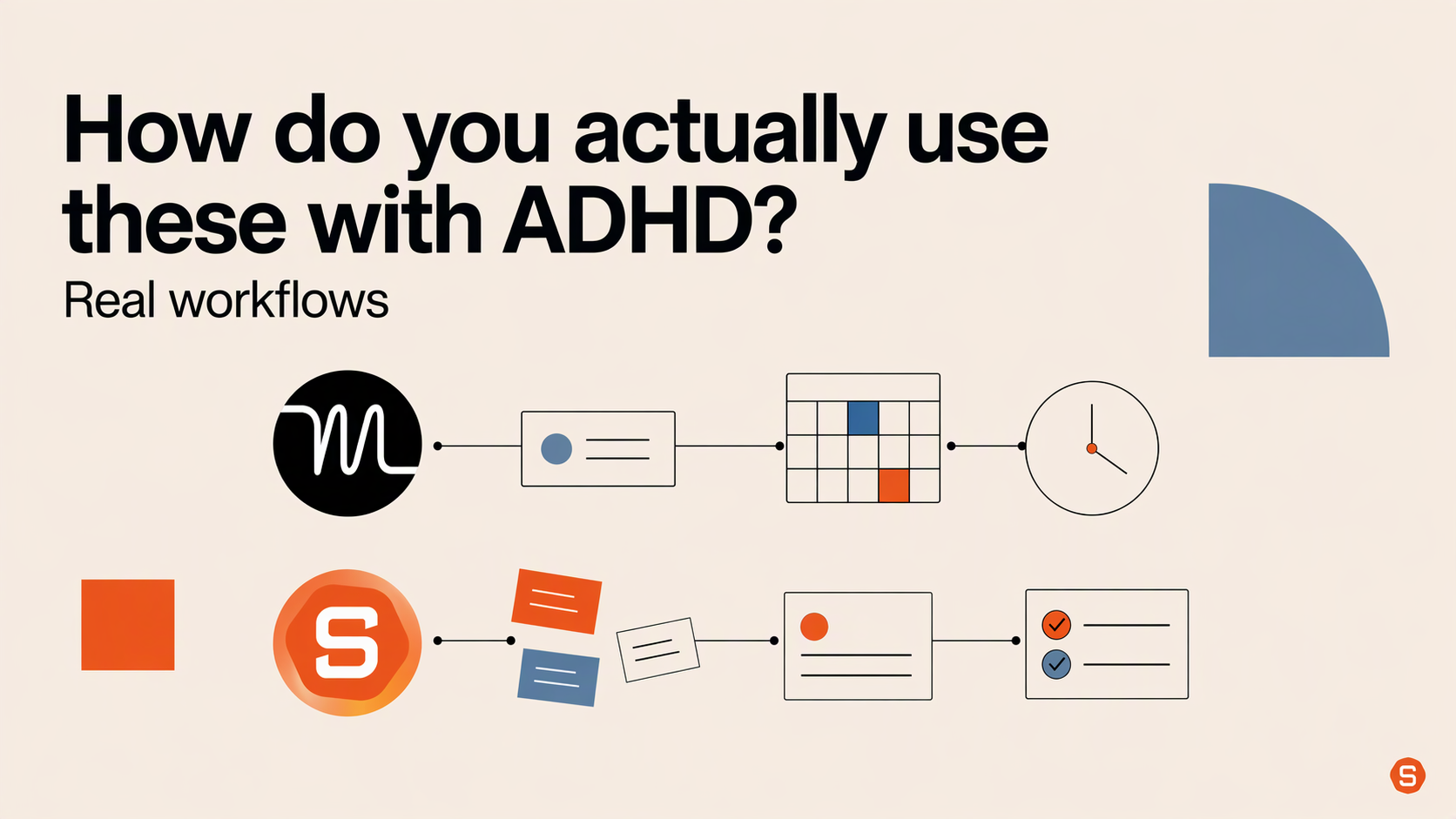
The Saner.AI workflow: "catch everything, decide later"
- Connect one source first. Email or Slack, whichever drowns you more. Add the calendar next.
- Brain dump all day. Voice note on the walk, Chrome extension while browsing, a quick Smart Add when a thought pops up mid-meeting.
- Read the morning brief with your coffee. Pick 3 things and pin them in the Focus Box. Three, not eleven.
- Shrink the scary task. Ask Skai to break it into steps. The first step should be stupidly small, like "open the doc."
- Block time only for your top 3. Add durations to those and drop them on the calendar. Everything else can wait in the list.
- Snooze instead of deleting. When a reminder pops up at a bad moment, snooze it to a real time. Deleting it is how things disappear forever.
- End of day, ask Skai what's still open from today's emails and notes. Then close the laptop.
The Motion workflow: "let the robot pick the order"
- Do a 15-minute load-in on Monday morning. Dump every task in. Give each one a duration, then pad it. My rough rule is to take your gut guess and add half again.
- Use real deadlines only for real deadlines. Everything else gets a priority. If you mark it all ASAP, Motion panics and so will you.
- Add breaks and buffer as recurring tasks. Lunch, a walk, 15 minutes of "transition time" after meetings.
- In the morning, look at today only. Do the first block. Don't open next week. The future is Motion's problem now.
- When it reshuffles, let it. Fighting the scheduler is how people end up manually dragging everything and paying $49 for the privilege.
Which one should you pick?
Pick Motion if:
- You already know what your tasks are, and the problem is fitting them into the week.
- You have lots of hard deadlines and keep underestimating how long stuff takes.
- You're fine entering durations for every task, and $29 to $49 a month doesn't sting.
- A calendar that rearranges itself feels like relief, not chaos.
Pick Saner.AI if:
- Your tasks live in five places (inbox, Slack, sticky notes, your head) and things fall through the cracks.
- You forget follow-ups, promises, and "I'll send that tomorrow" emails.
- You've abandoned planners because the setup itself was the hard part.
- You want to try free before paying, and $8 a month is your speed.
Pick neither (yet) if:
- You haven't talked to a clinician about your symptoms. In the CDC survey, 36.5% of adults with ADHD got no treatment in the past year. An app is a tool, not a treatment plan.
- Your real problem is starting, not planning. Body doubling might help more than any calendar. A list of AI personal assistants can point you to other tools too.
My take
I think most ADHD adults aren't short on time slots. They're short on a reliable place to put things. Big difference. That's why I'd start with Saner.AI for most people and add a scheduler later if time blindness is still wrecking the week. If you're a deadline-juggler who already knows exactly what's on the list, Motion is the sharper tool.
Stay on top of your work and life effortlessly
FAQ
Is Motion good for ADHD?
Yes, if your main struggle is planning when to do tasks and you'll enter a duration and deadline for each one. Its auto-scheduler removes the "what's next" decision. It's less helpful if entering and estimating tasks is where you fall off.
Is Saner.AI better than Motion for ADHD?
For forgetfulness and scattered information, yes. Saner.AI catches tasks from your notes, email, and Slack and drafts your day. For strict time-blocking and deadline juggling, Motion does more.
Does Motion have a free plan?
No. Motion offers a 7-day trial that asks for card details. After that, it's $29 a month billed yearly or $49 monthly for one person, as of November 2026.
Is Saner.AI free?
Yes. The free plan is available. Paid plans start at $8 a month, billed yearly.
Can a productivity app replace ADHD treatment?
No. Apps can reduce the load on working memory and planning, but they aren't treatment. Structured skills training for time management, organization, and planning has randomized trial evidence behind it, and a clinician can help you figure out what fits.
What's a cheaper Motion alternative for ADHD?
Saner.AI starts free and runs $8 to $16 a month billed yearly. For more options, see this list of Motion alternatives, or compare a planning-ritual app in Sunsama vs Saner.AI for ADHD.